
Screens
Every frame below comes from the capture rig that backs the E2E test plan: the app runs with PI_DESKTOP_CAPTURE=1 against a throwaway data directory, drives itself through each surface, and writes the PNGs that scripts/publish-screenshots.py converts for this page. The screenshots therefore show the shipped shell rather than a mockup, including the empty states a fresh install starts from.
Session titles and transcripts come from the capture fixture, so the chrome is English while the sample conversation is Chinese. The 中文版本 shows the same surfaces with Chinese chrome.
Home and conversation
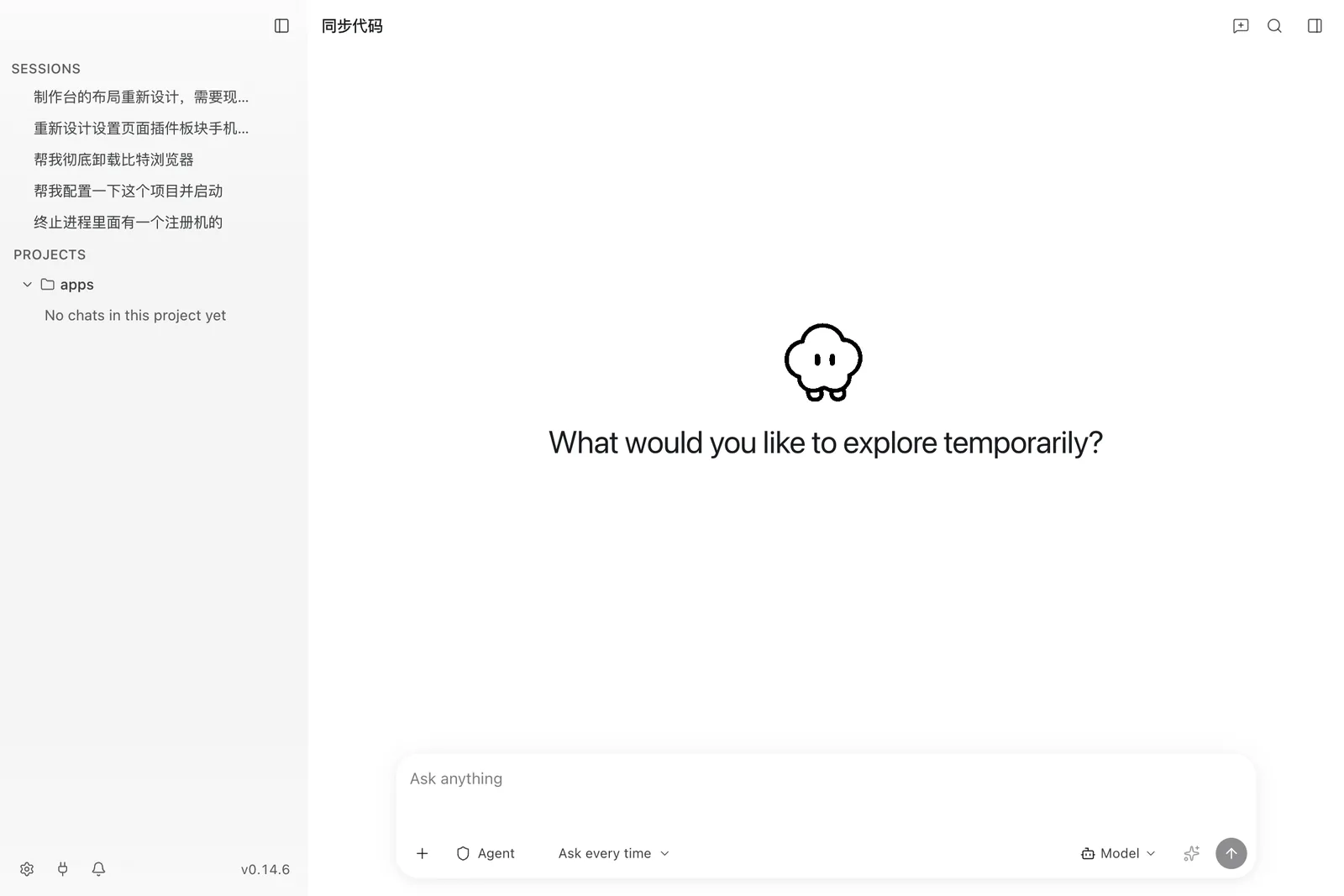
The home screen is the first surface a new install shows: a hero, the composer, and the sidebar with sessions grouped by project.
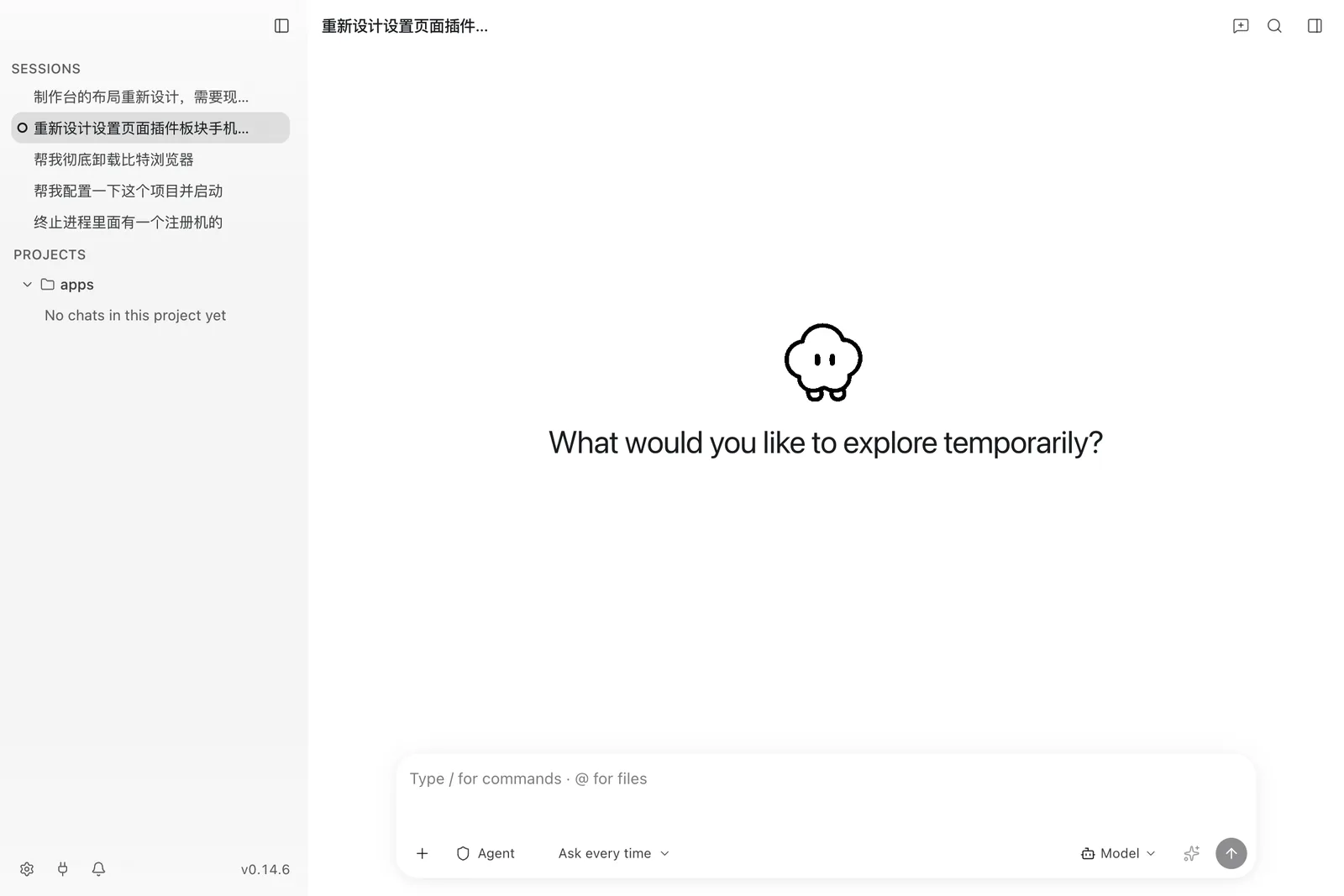
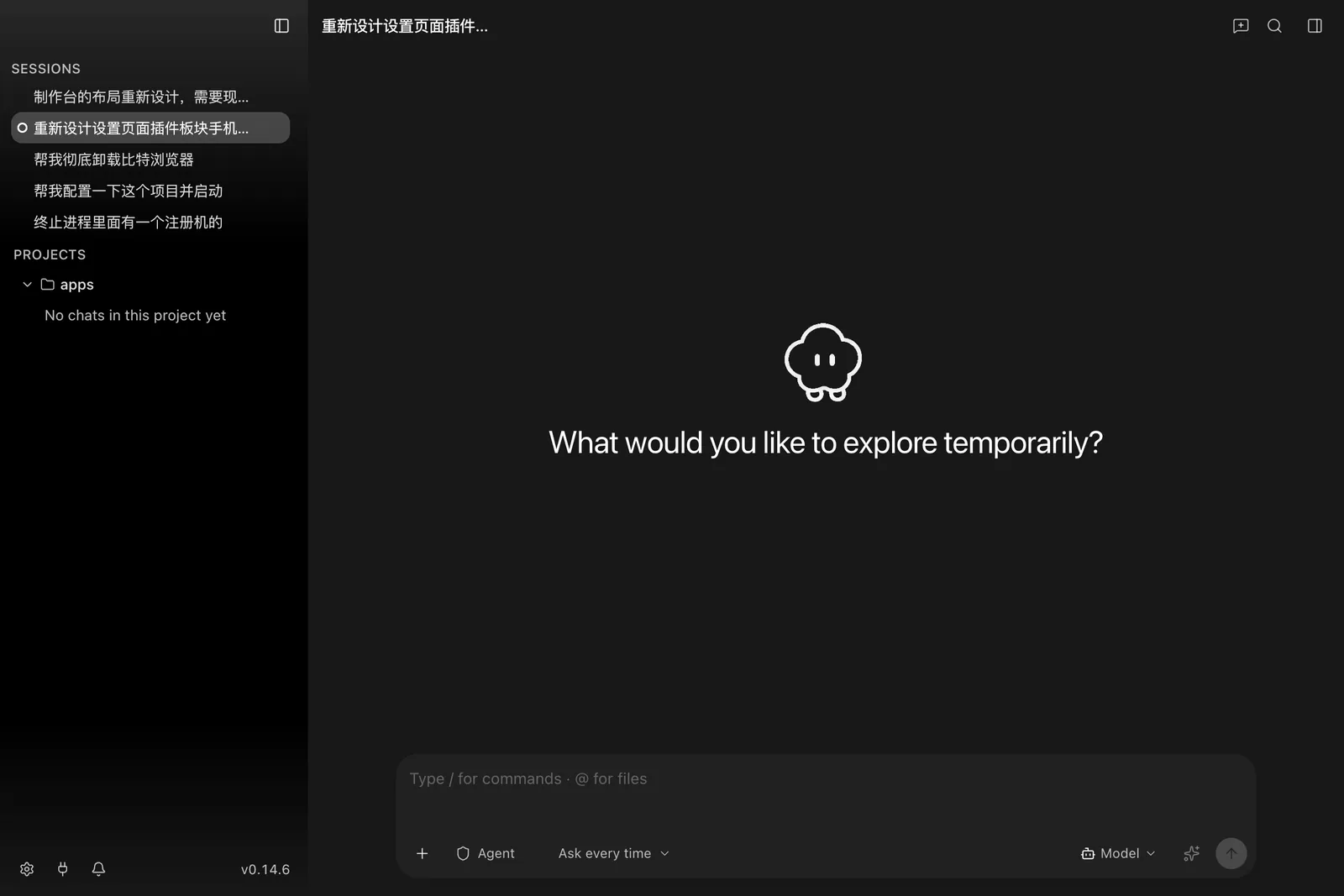
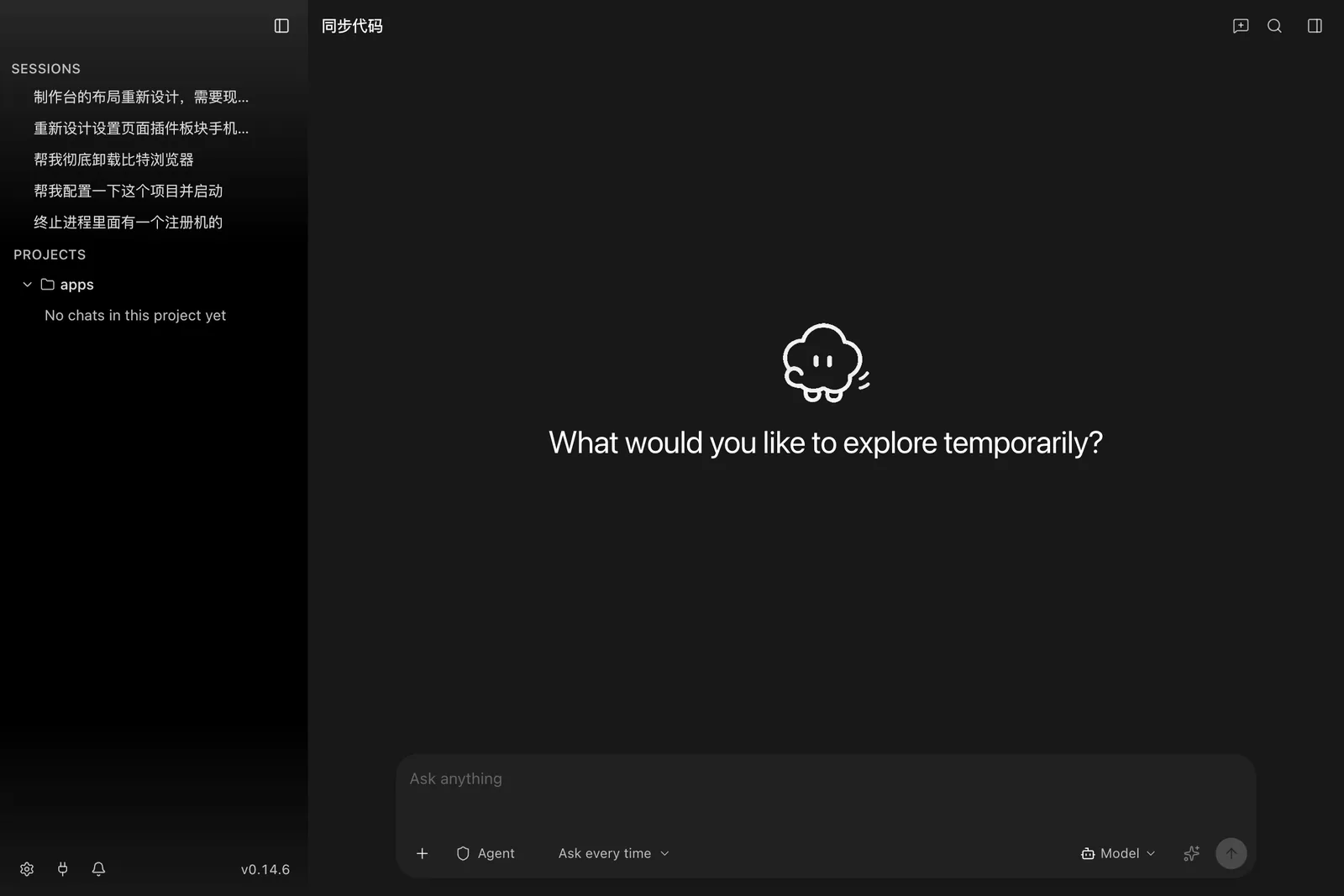
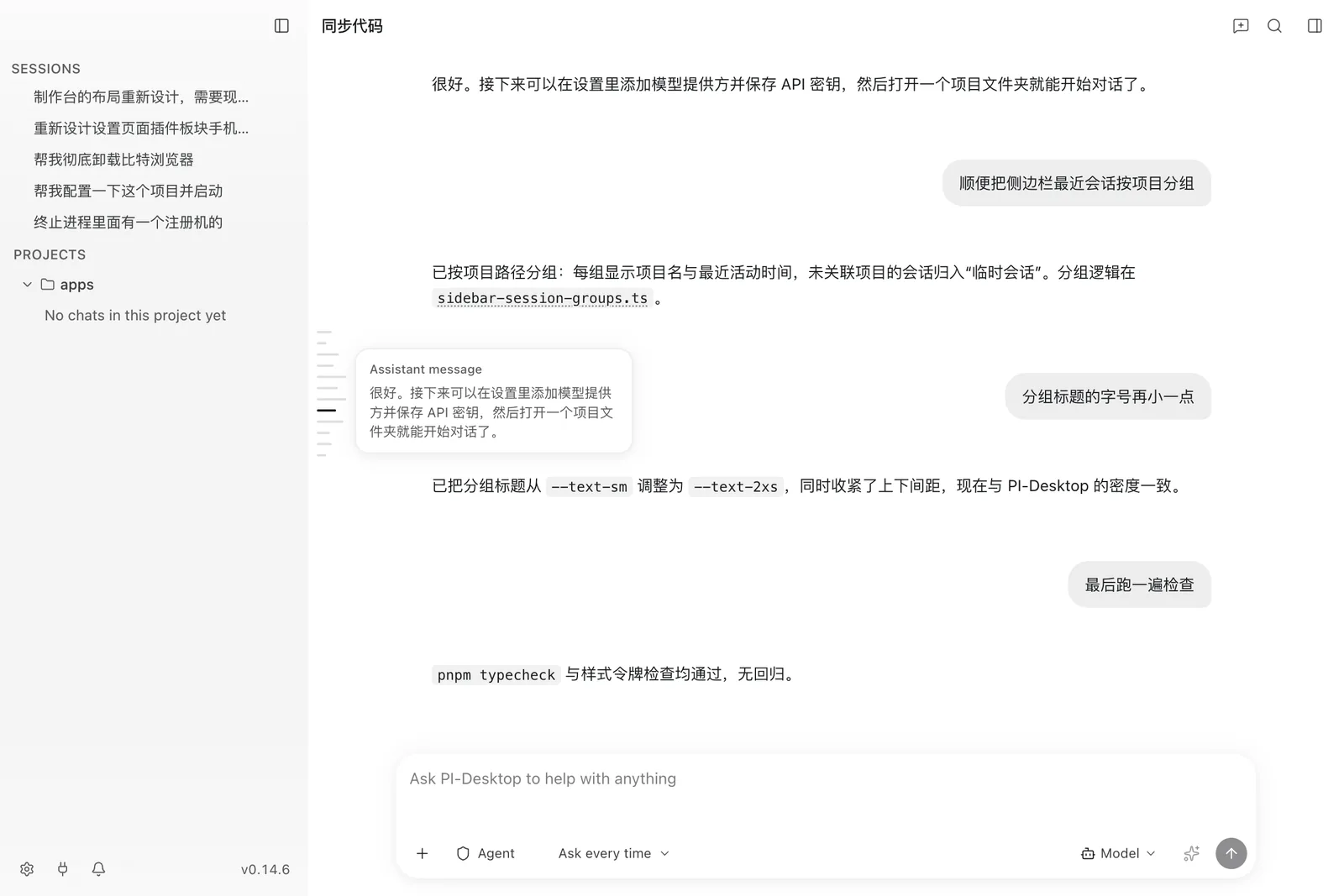
A conversation streams into the transcript with a minimap rail on the right; hovering the rail magnifies the markers and previews the message under the cursor.
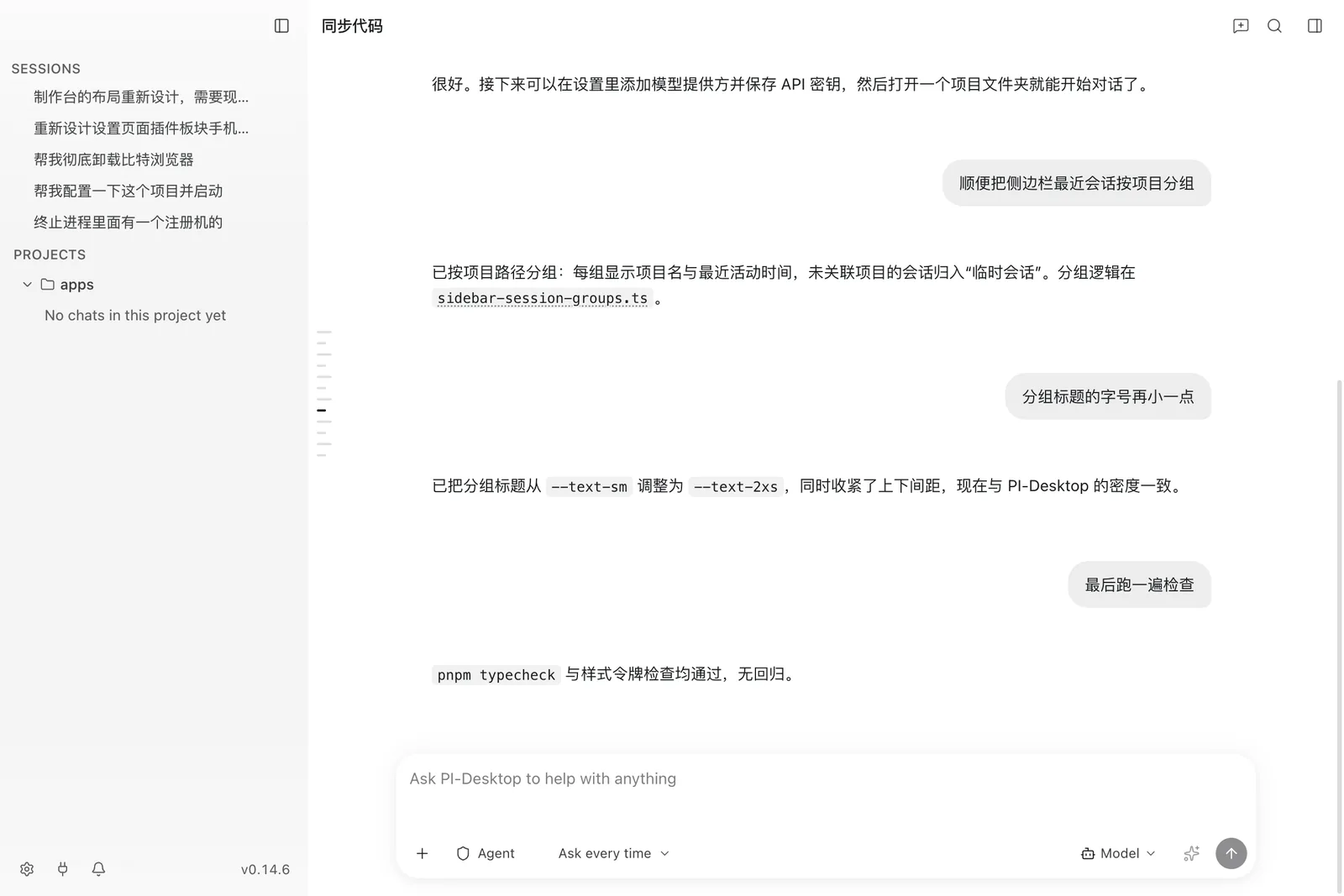
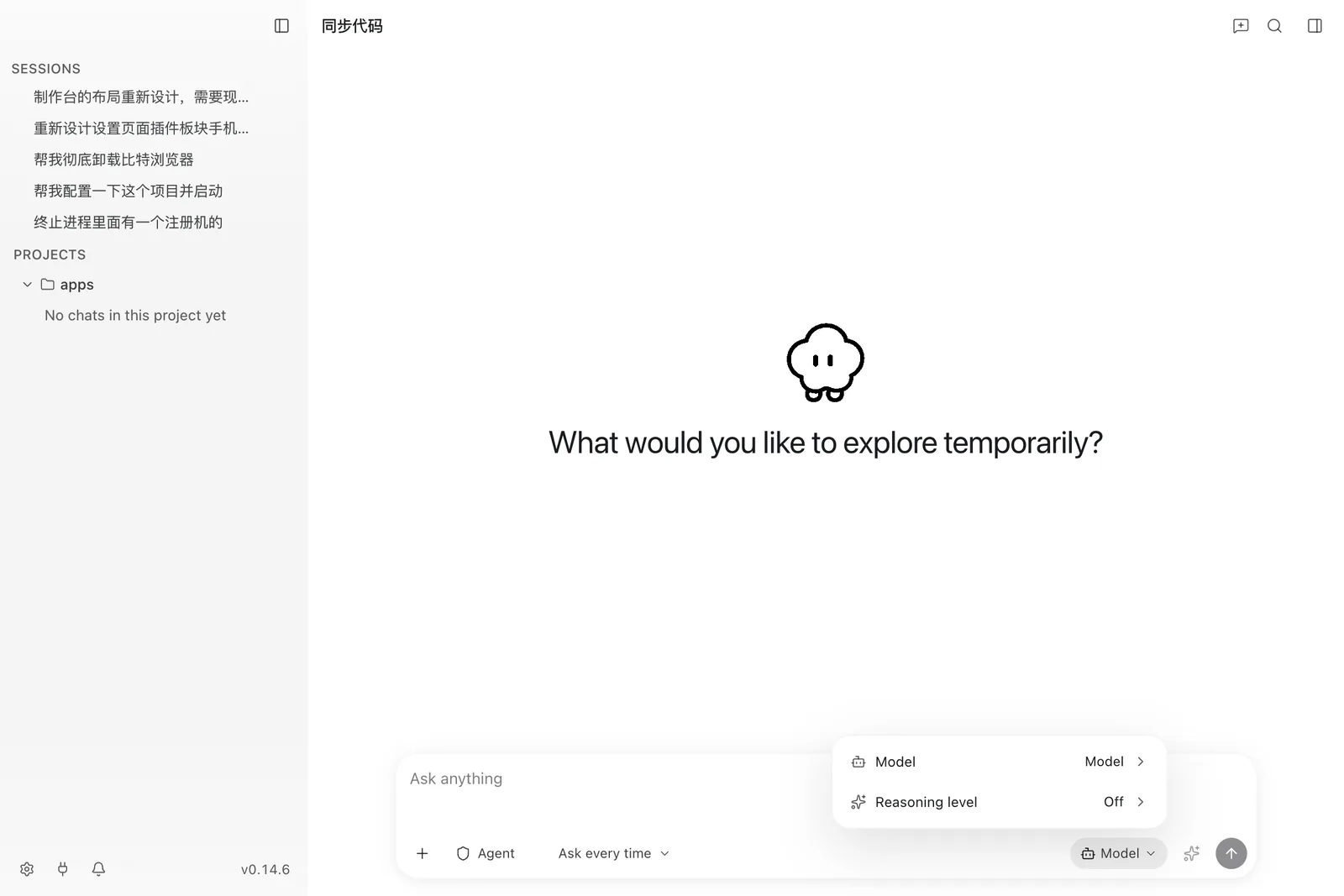
The Composer's model × reasoning chip switches the model for the session. In the composer, / opens the command menu and @ opens the file reference menu.
Work panels
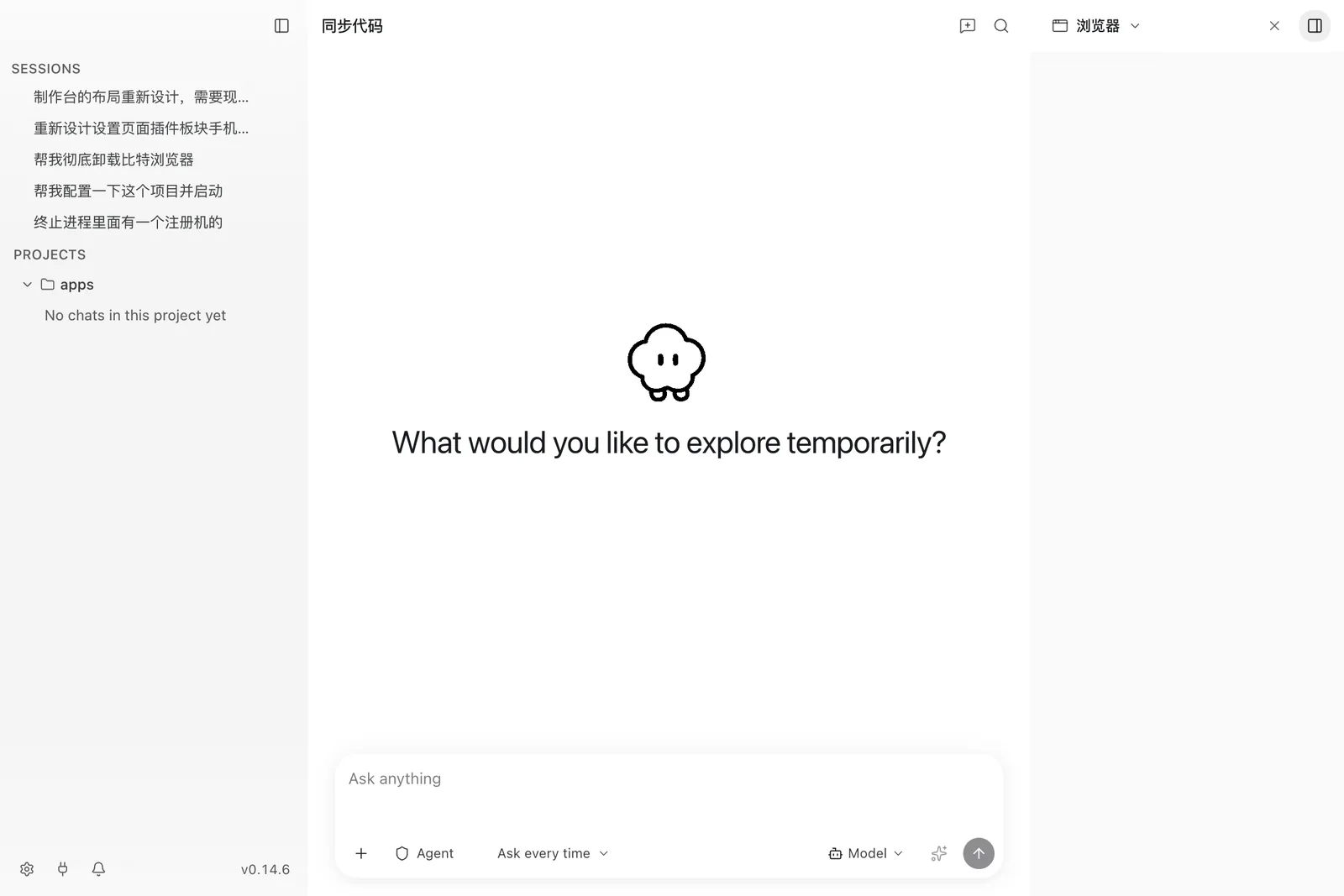
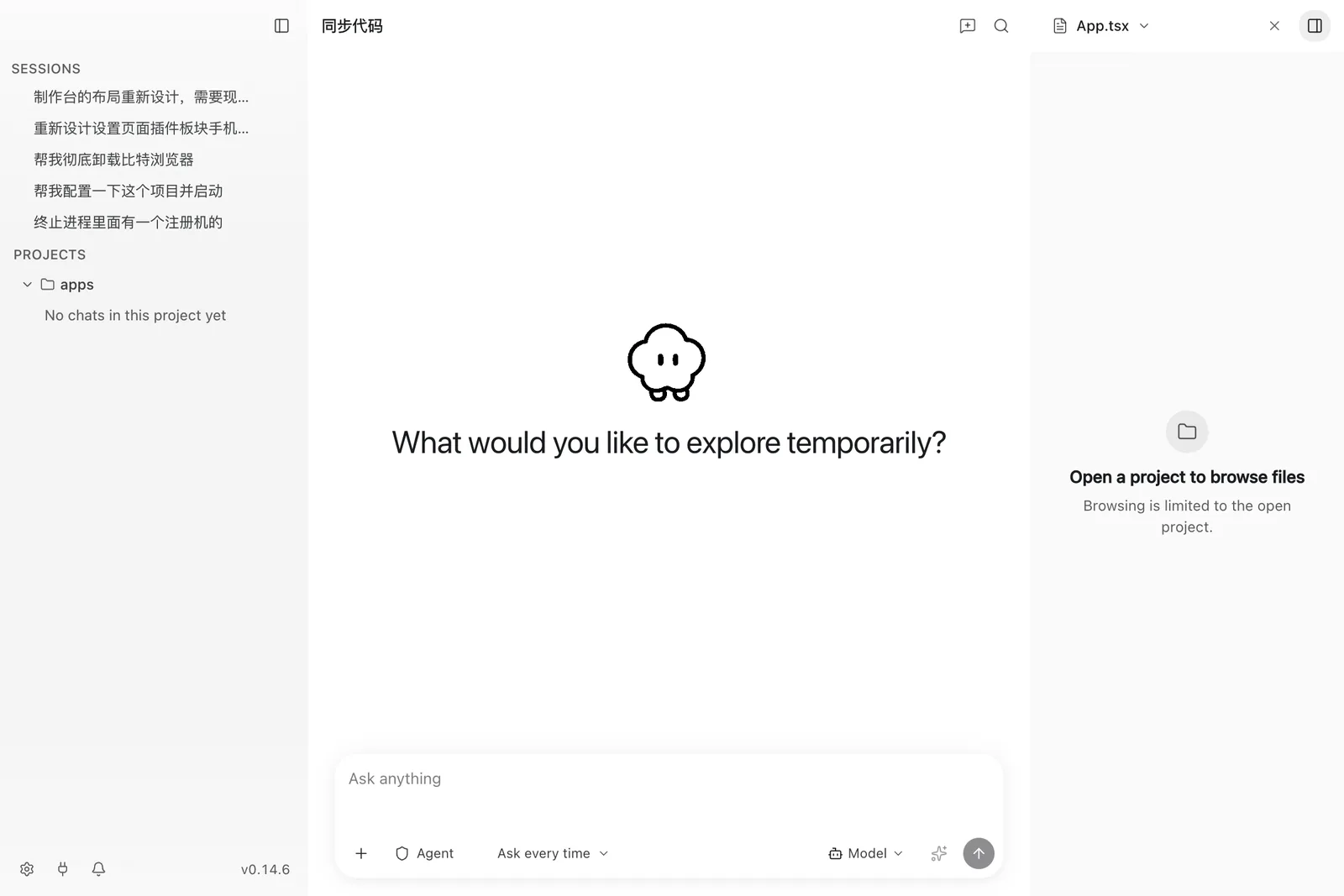
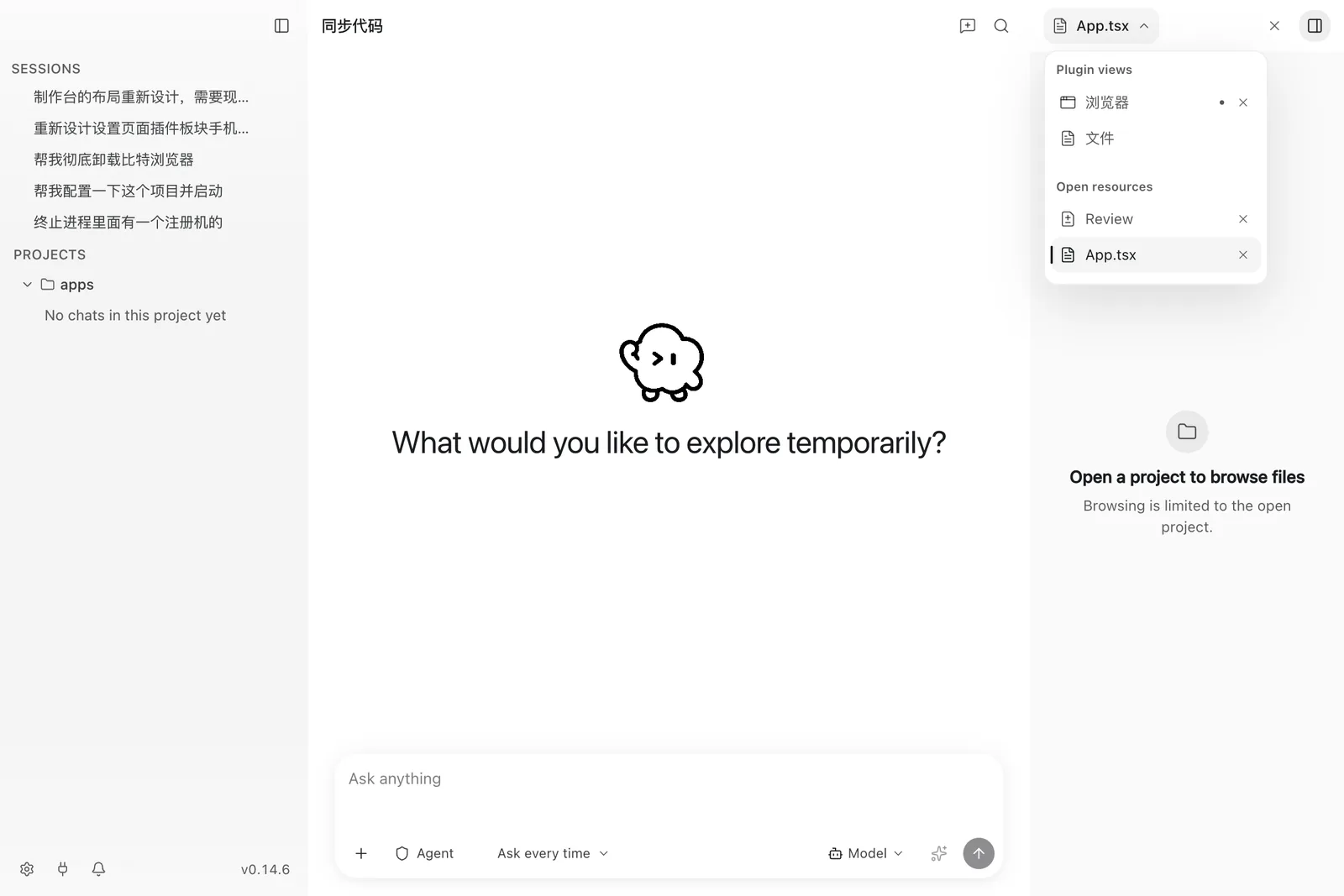
An agent Write/Edit never opens the panel. The panel appears when the user opens it, or when a file, URL, browser-preview, or plan-approval artifact opens its tab. The frames below are the panels without an active workspace, which is the state a conversation starts in.
Destinations
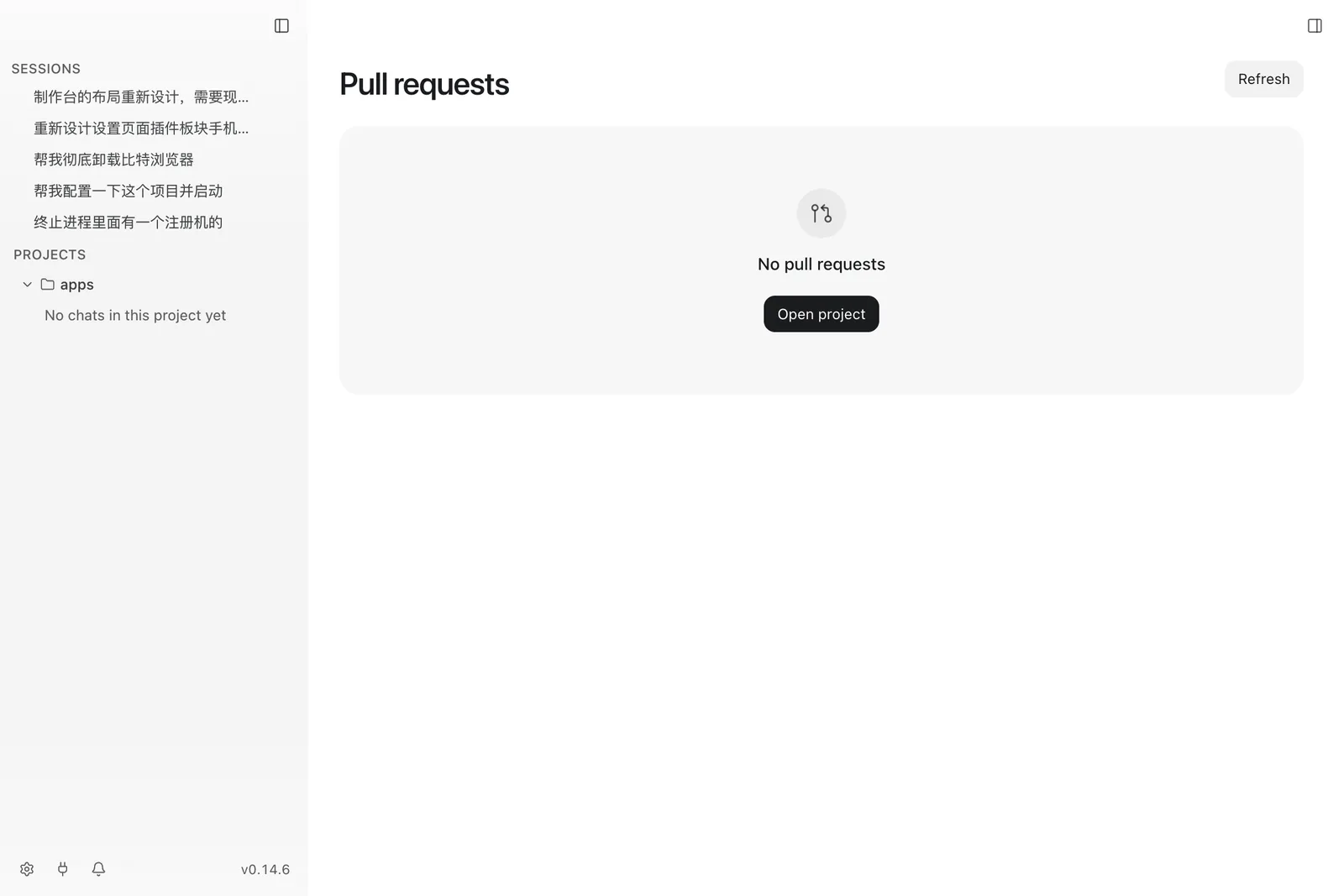
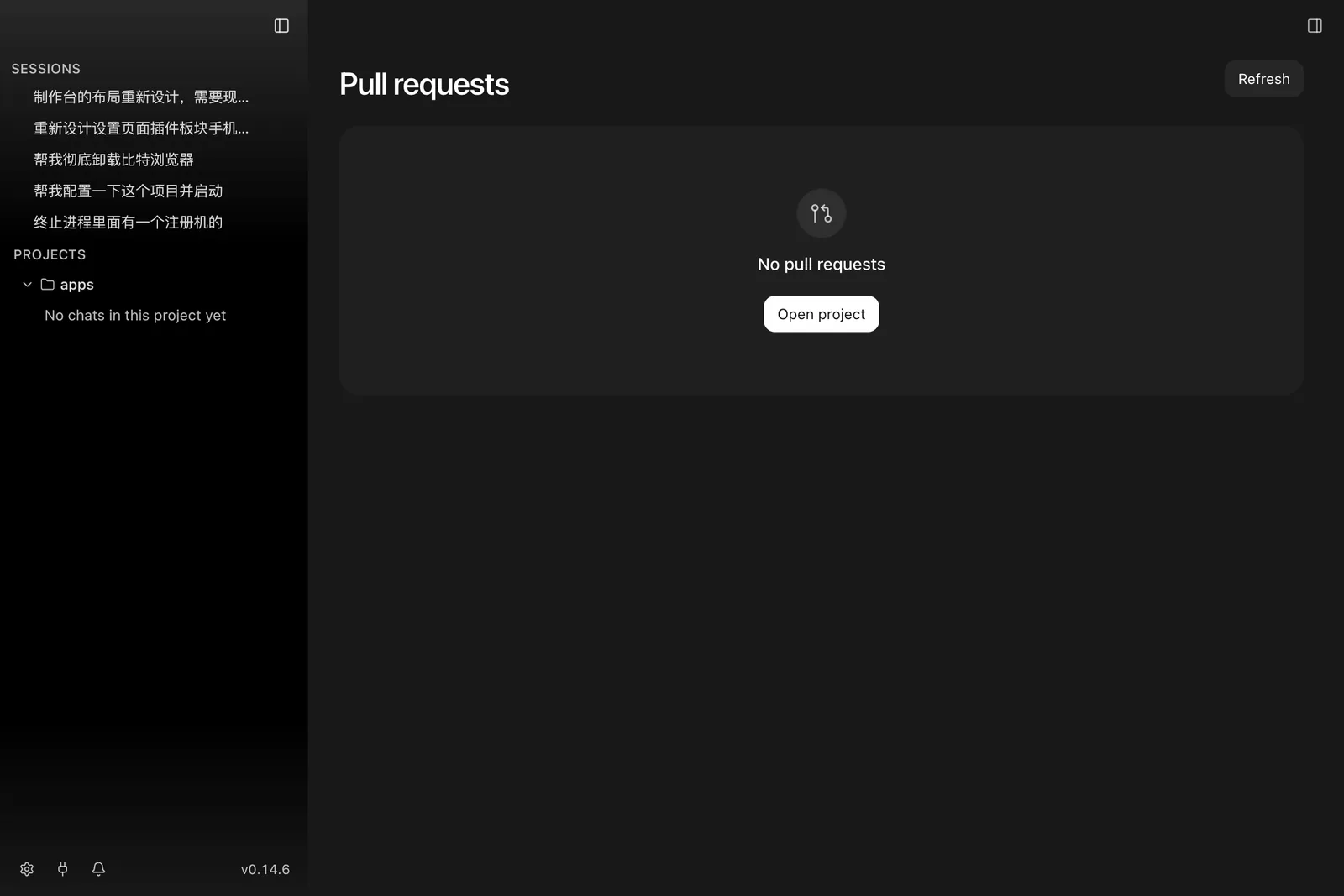
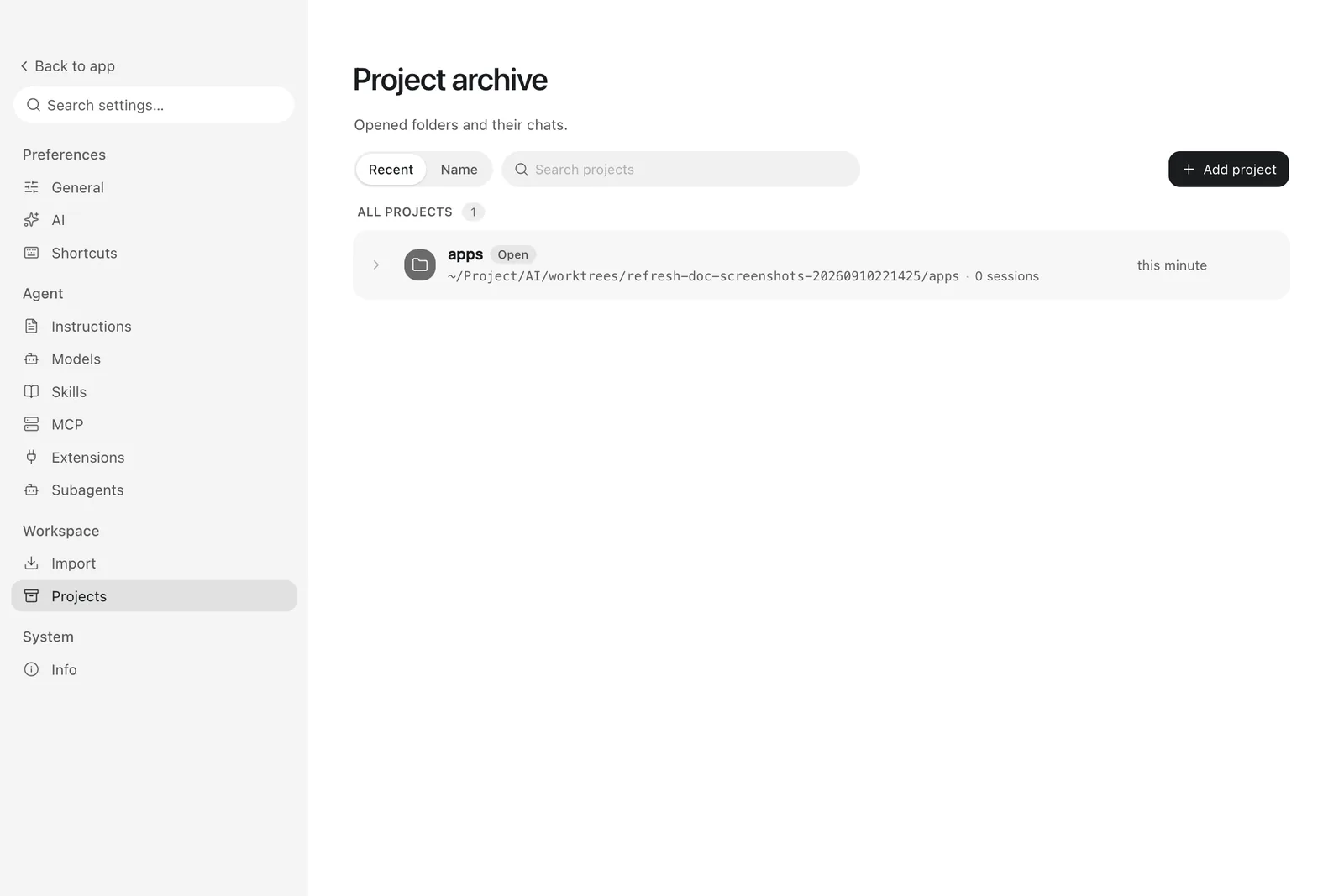
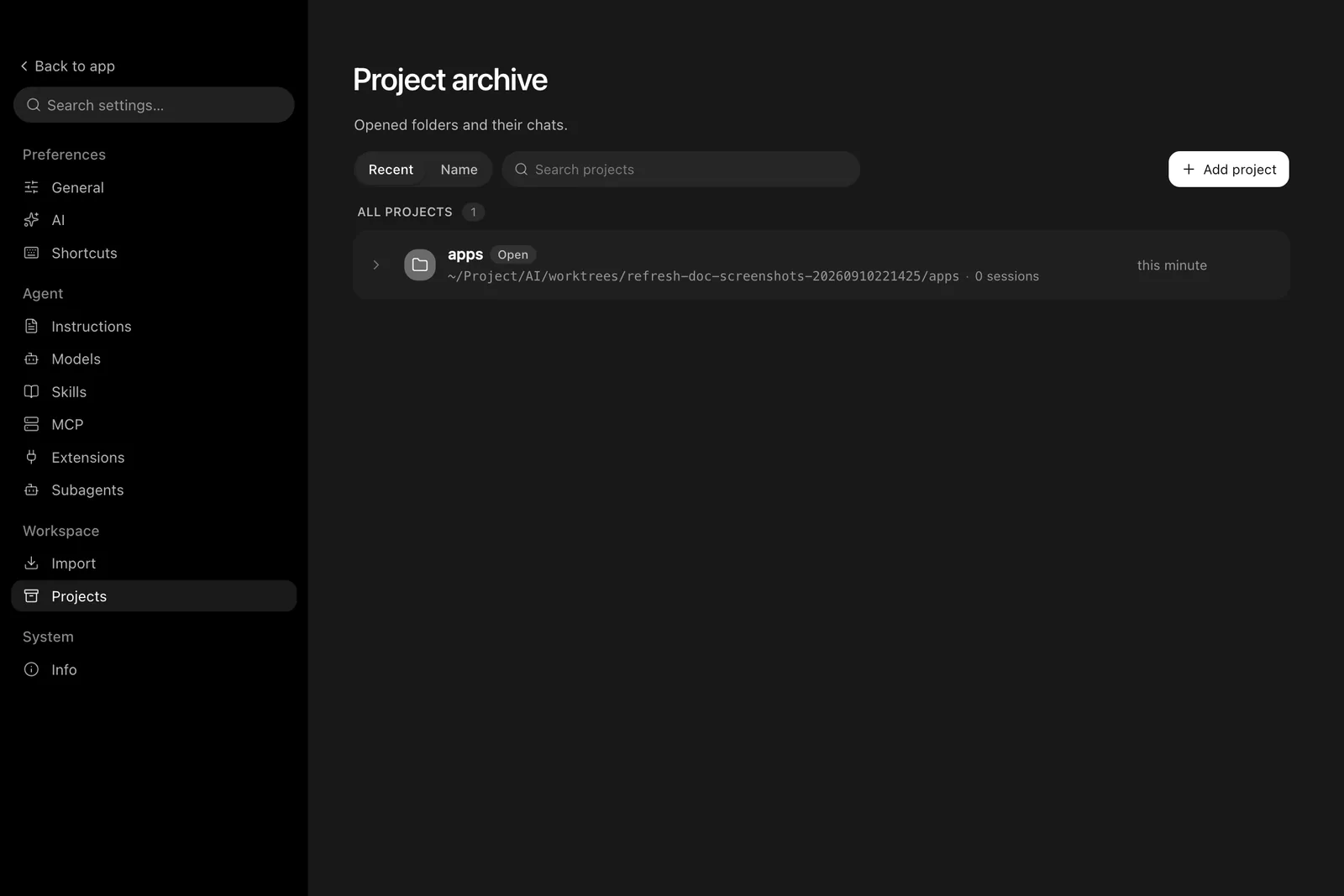
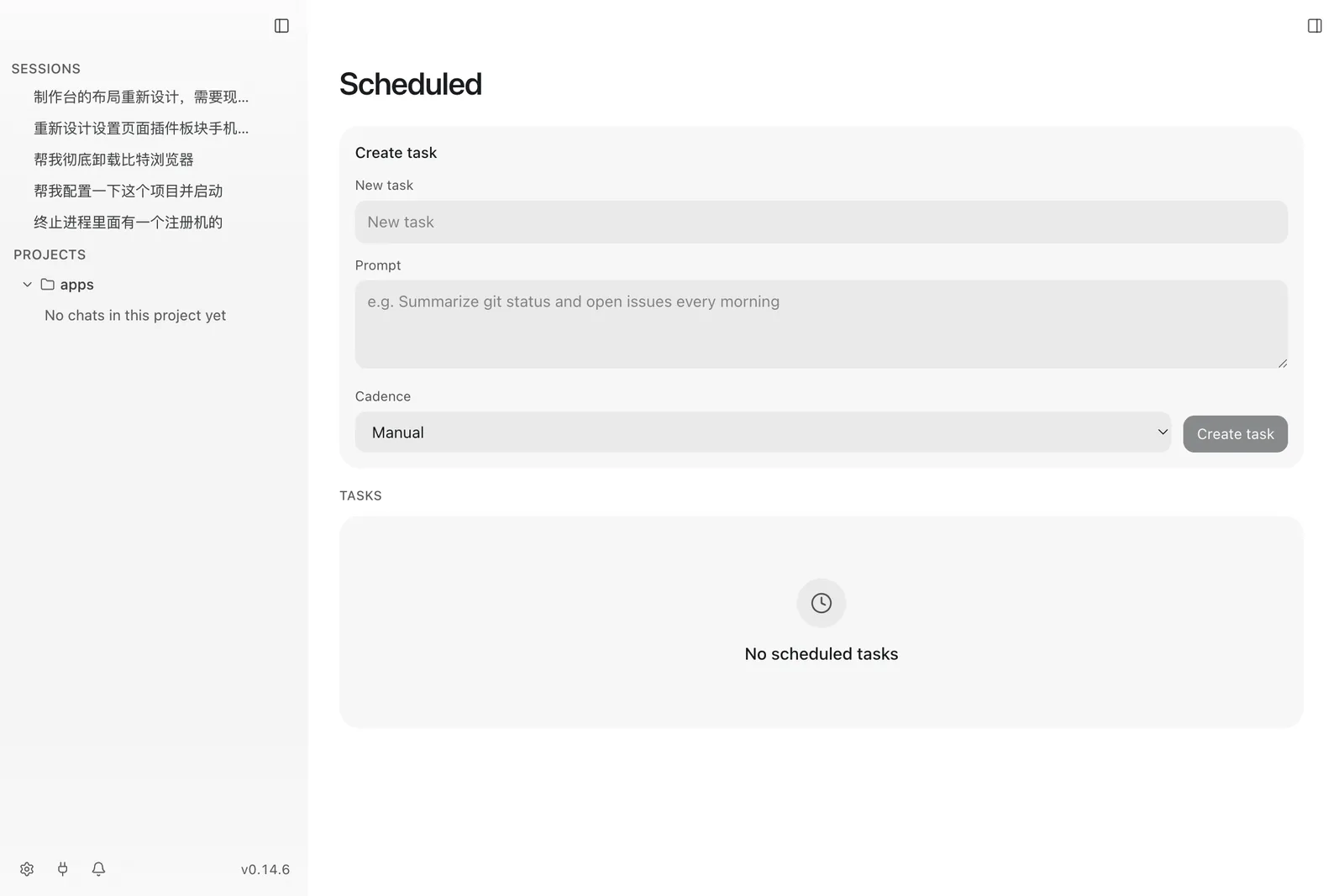
Pull requests, the project archive, and scheduled tasks are full-page destinations reached from the sidebar.
Notifications and toasts
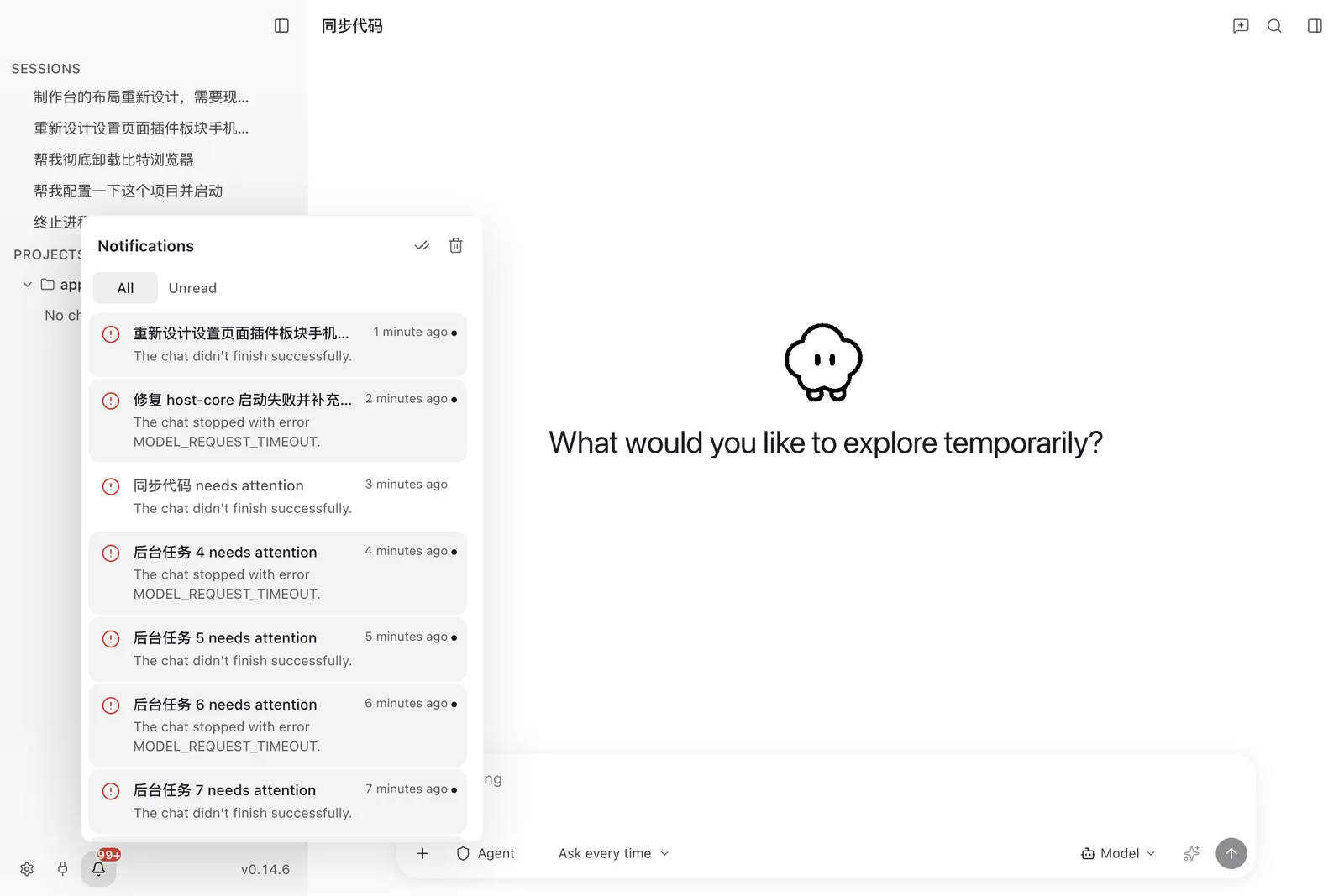
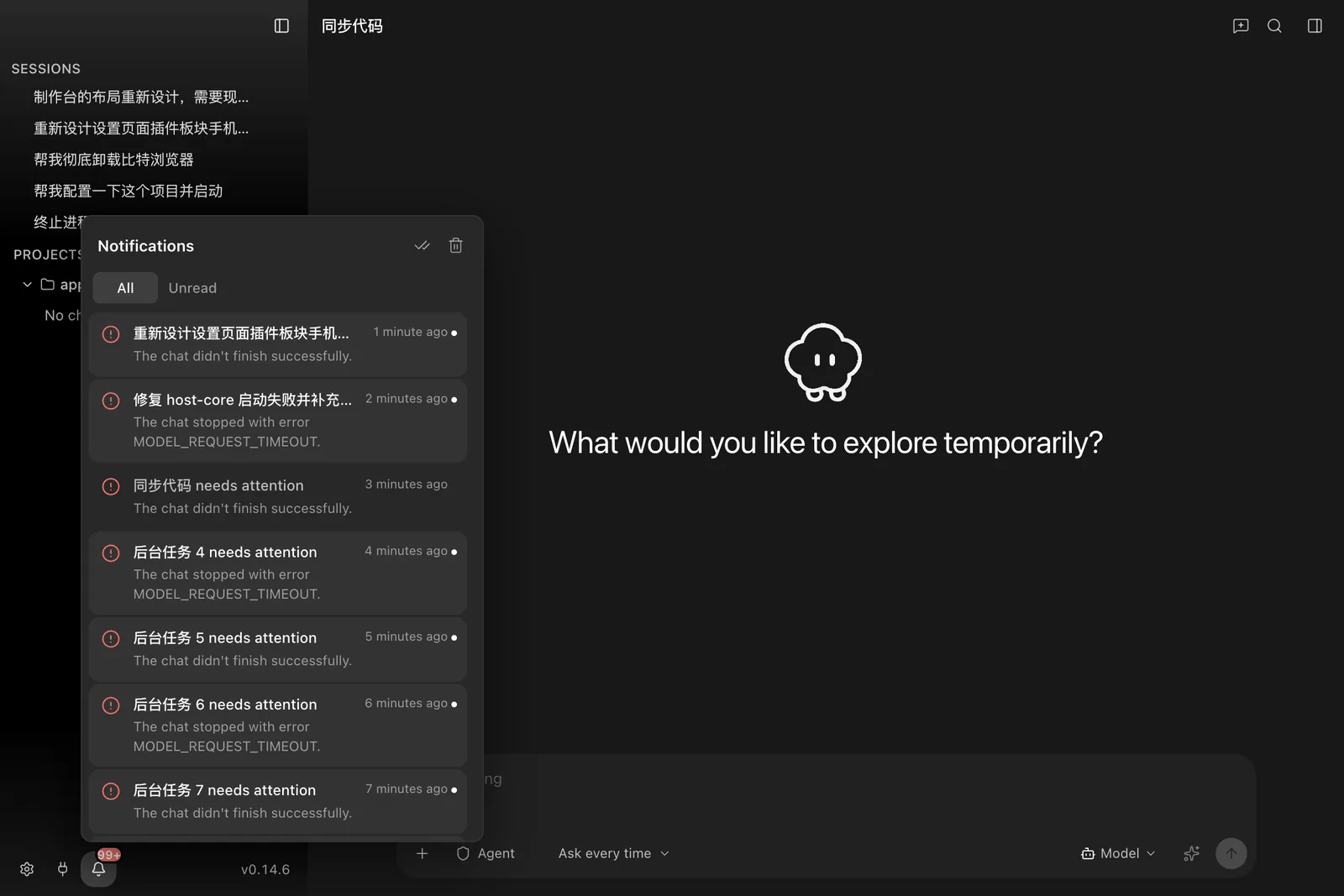
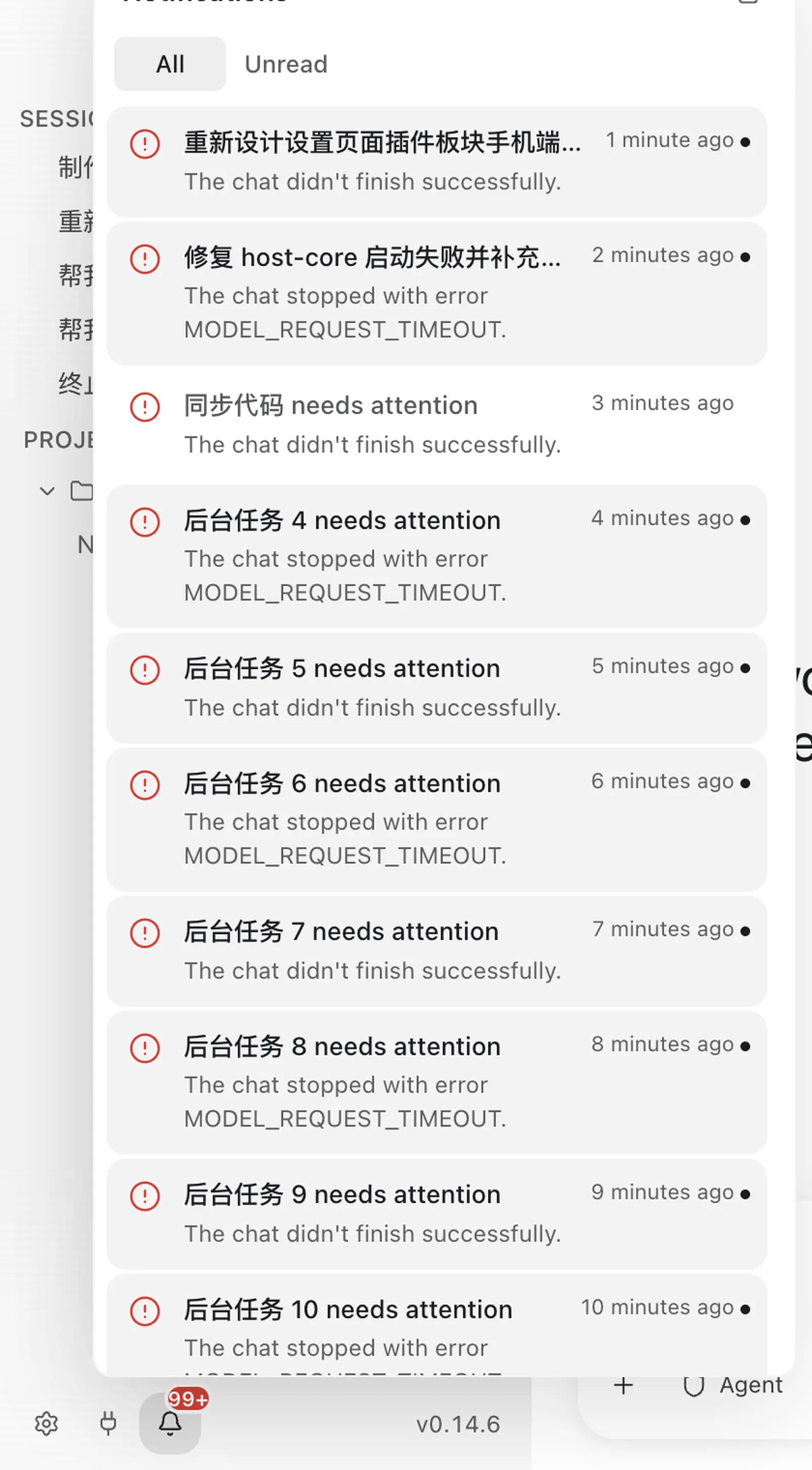
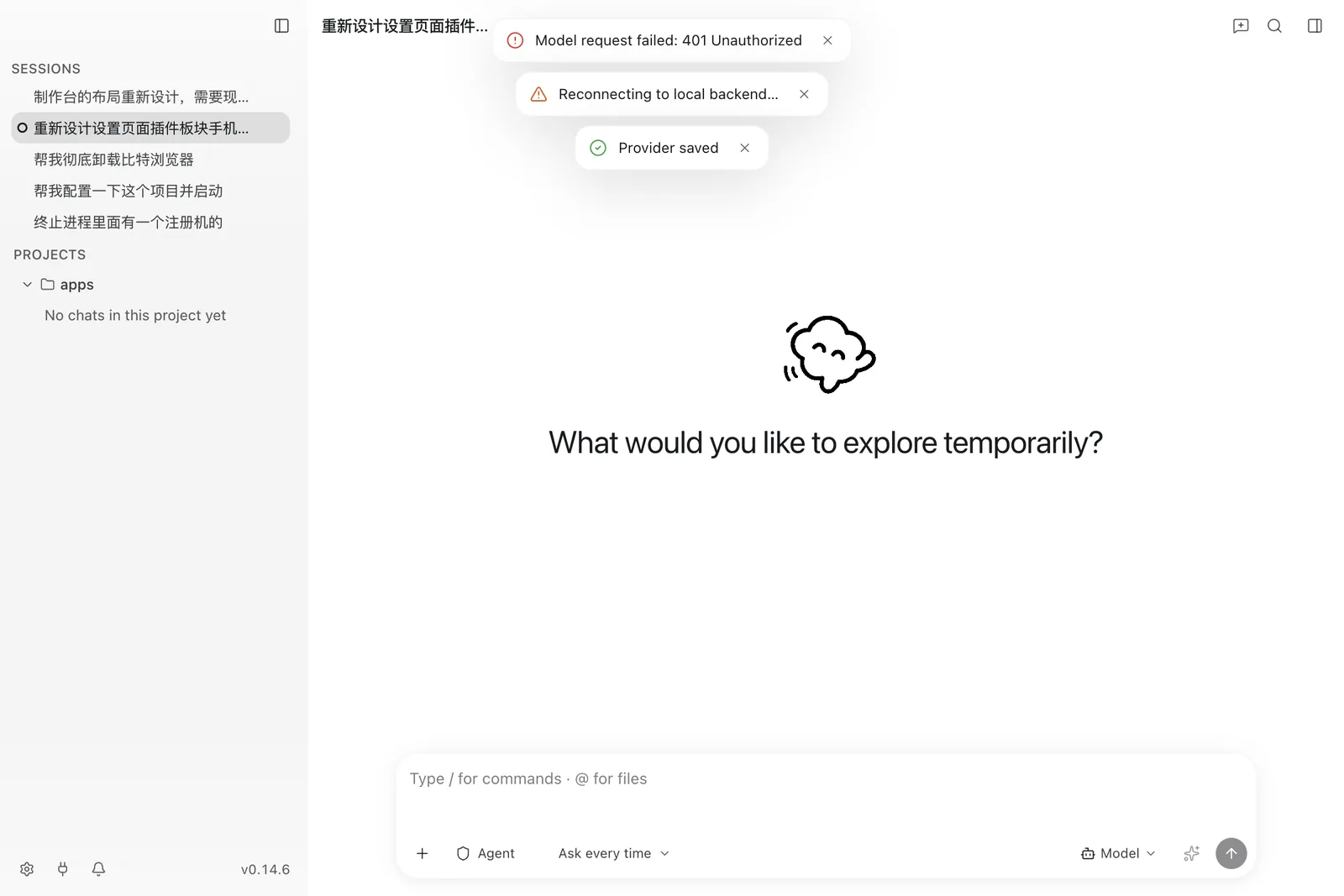
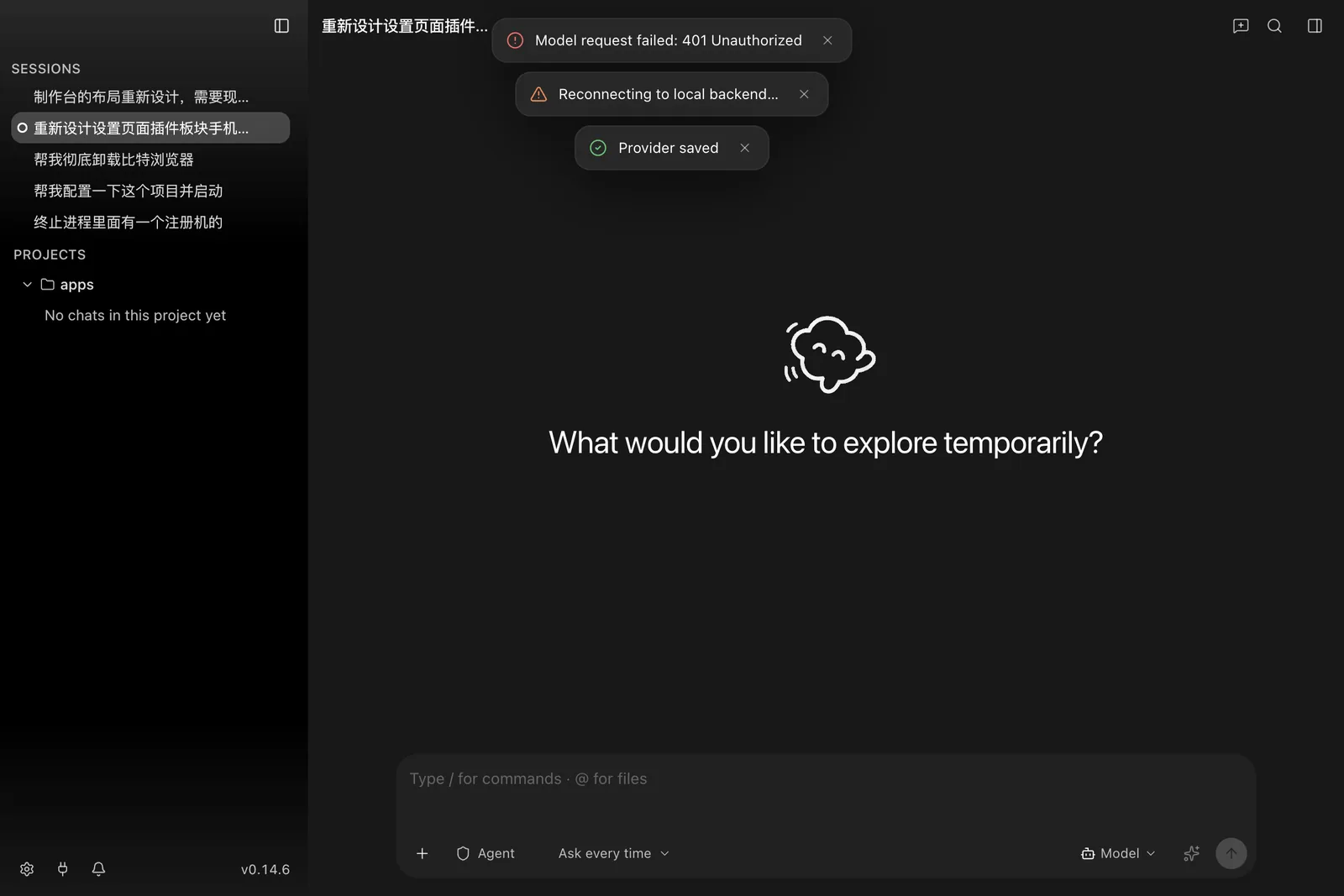
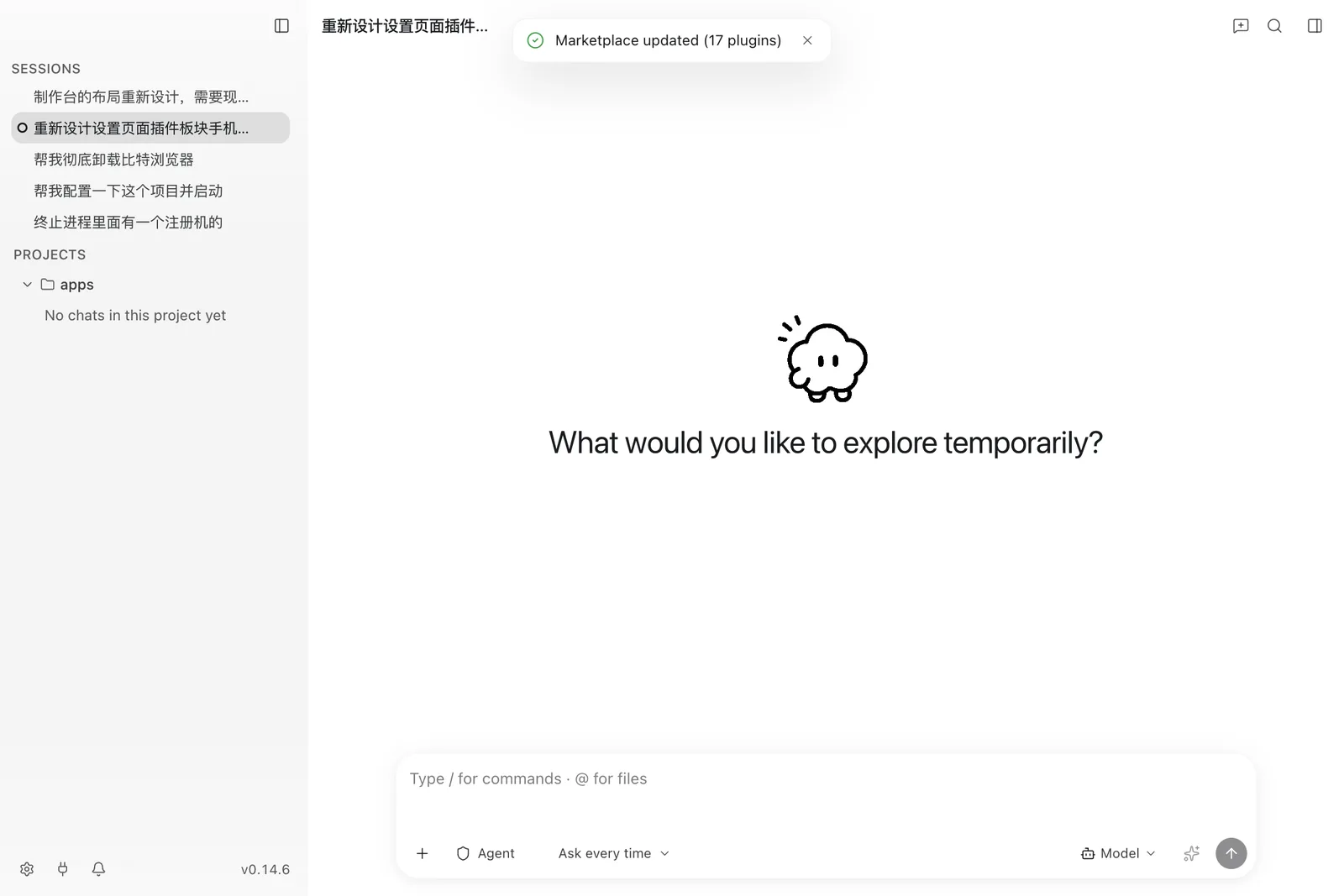
The notification inbox keeps a durable record of finished work, permission requests, and update notices. Toasts cover the transient end of the same range.
Global search
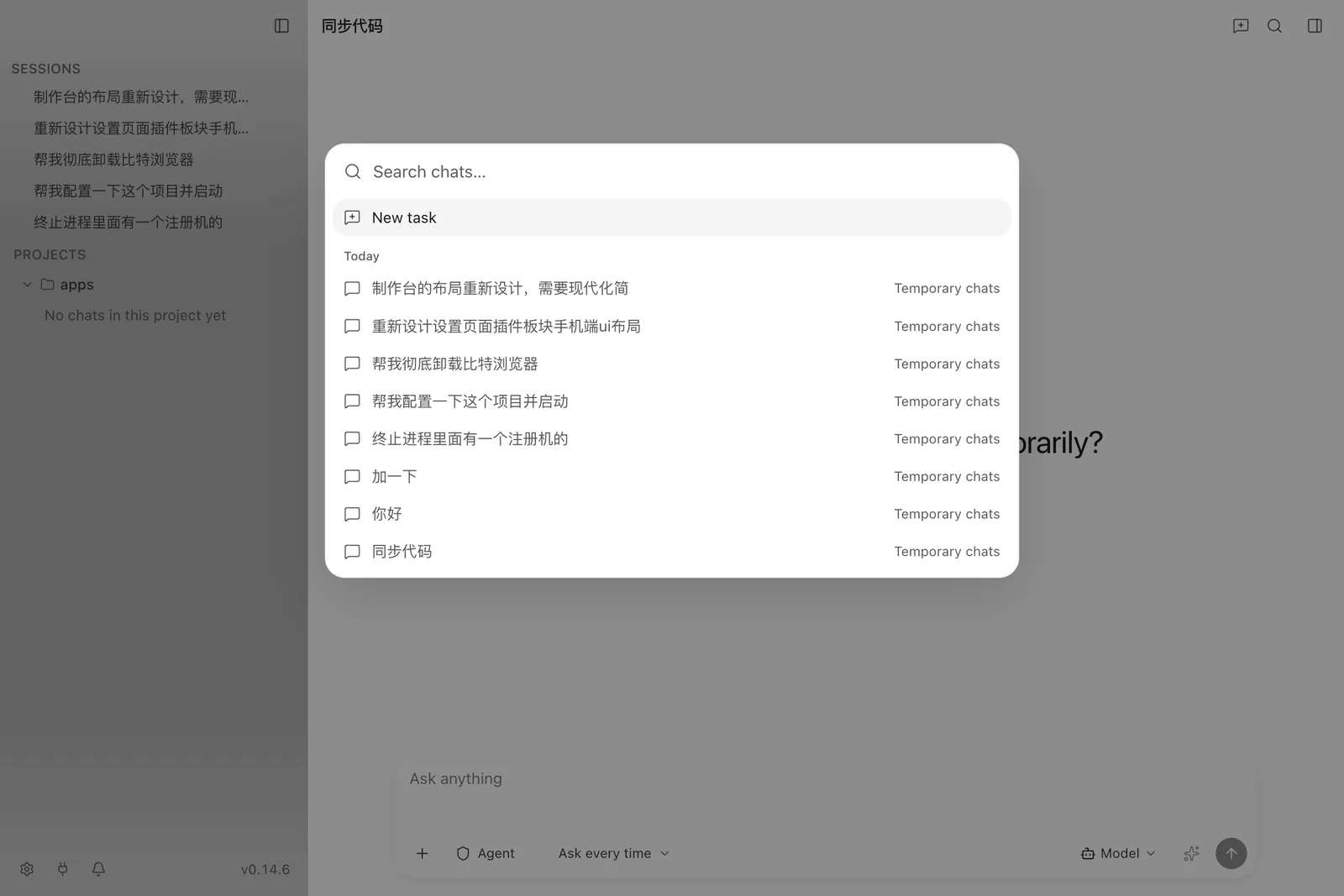
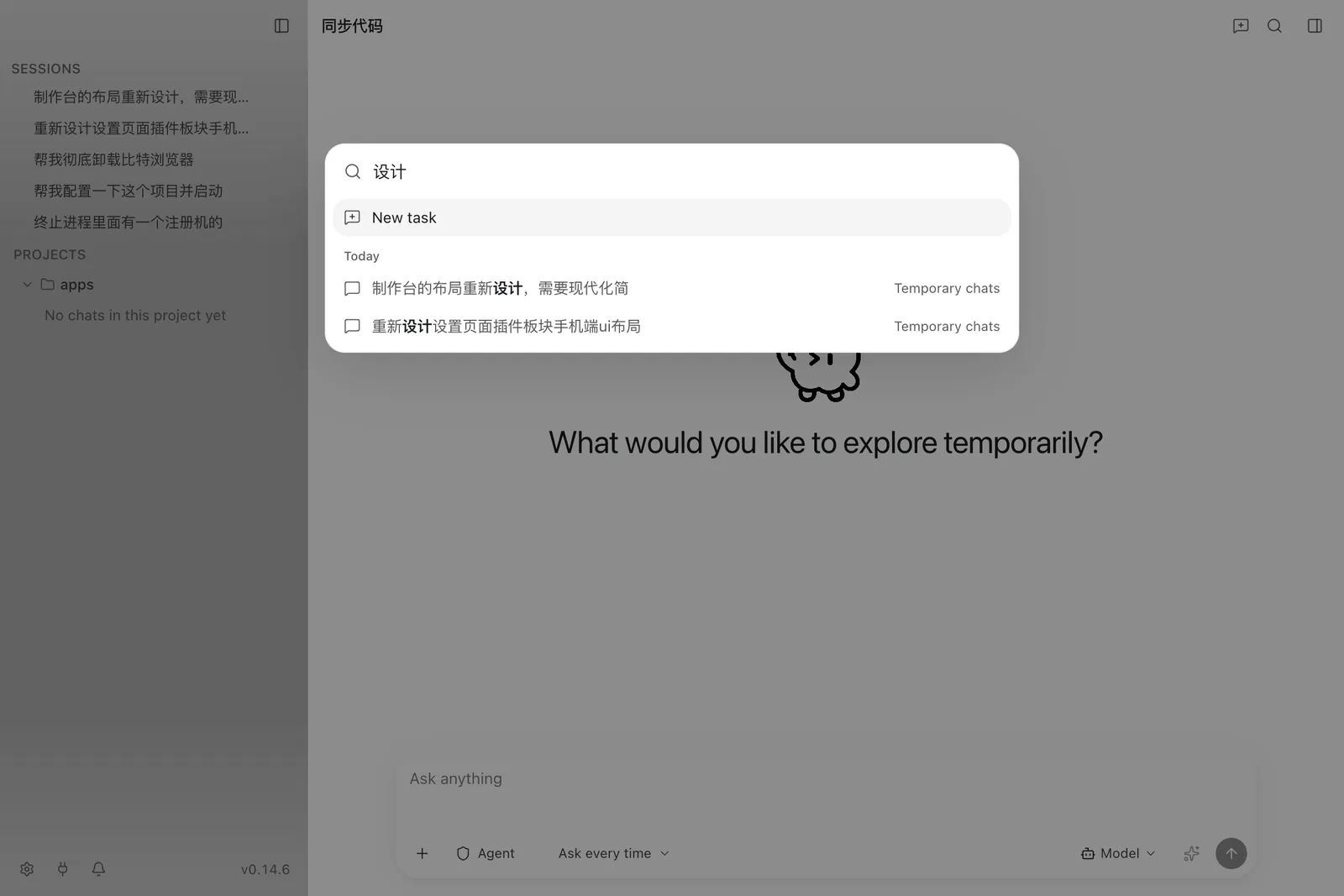
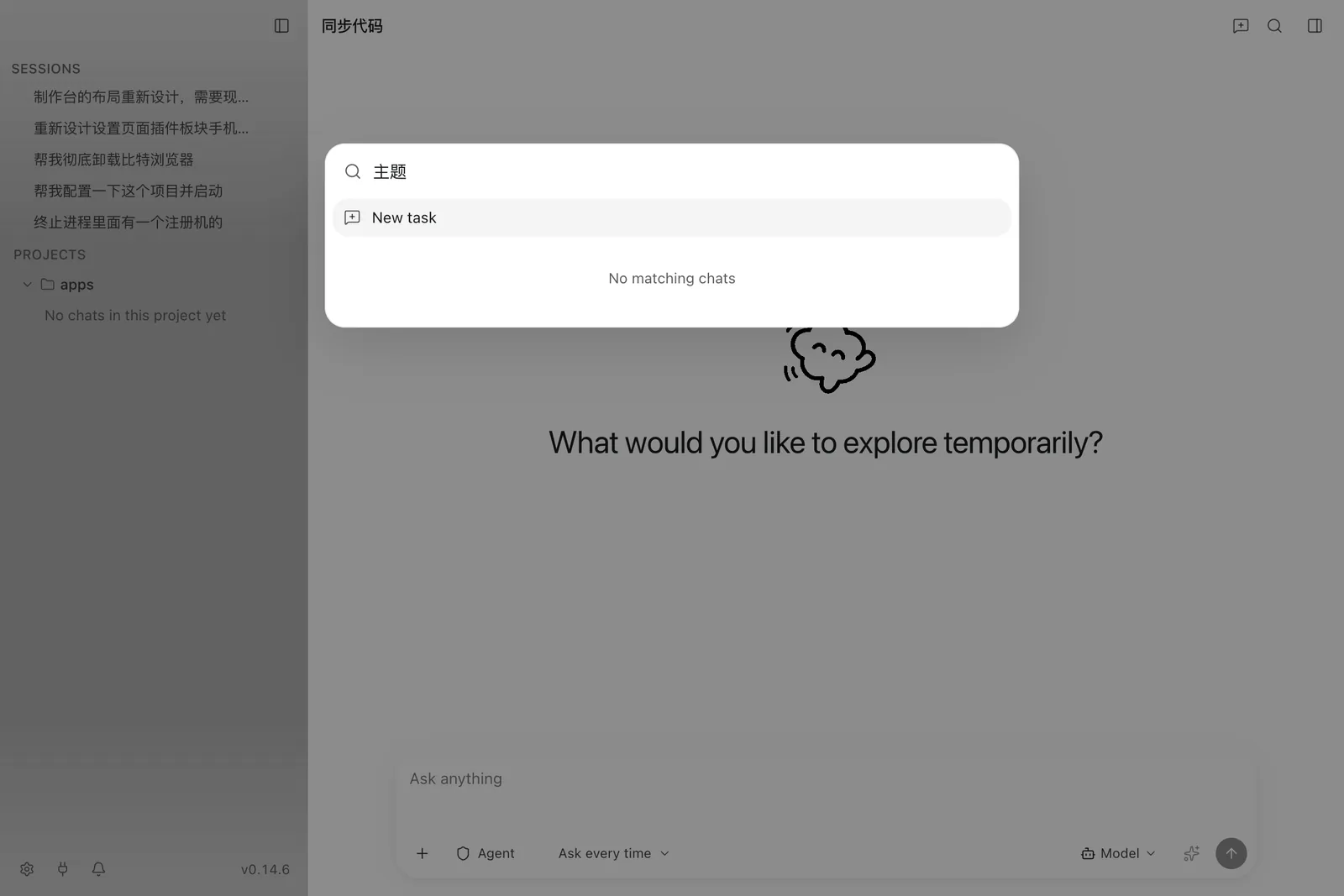
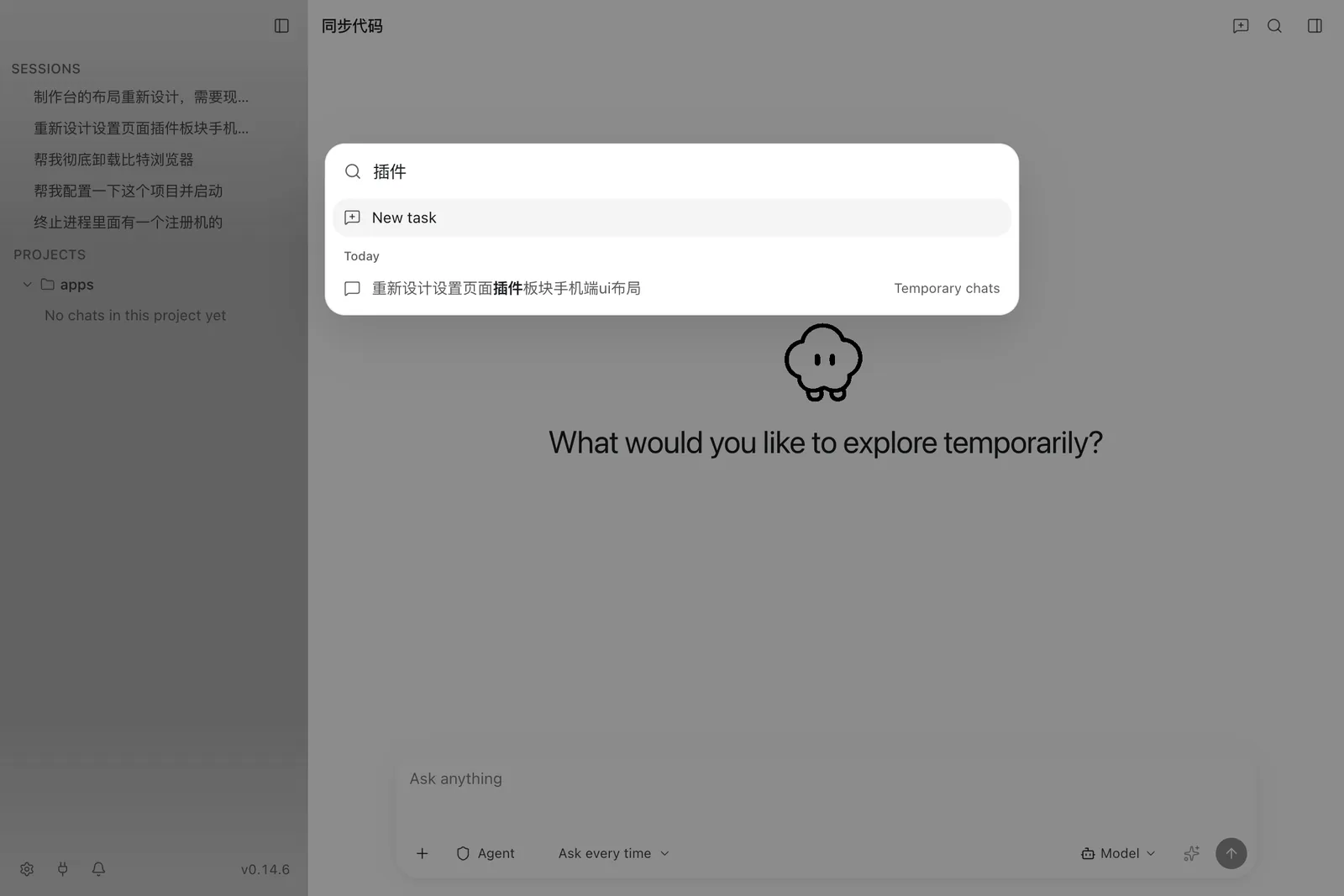
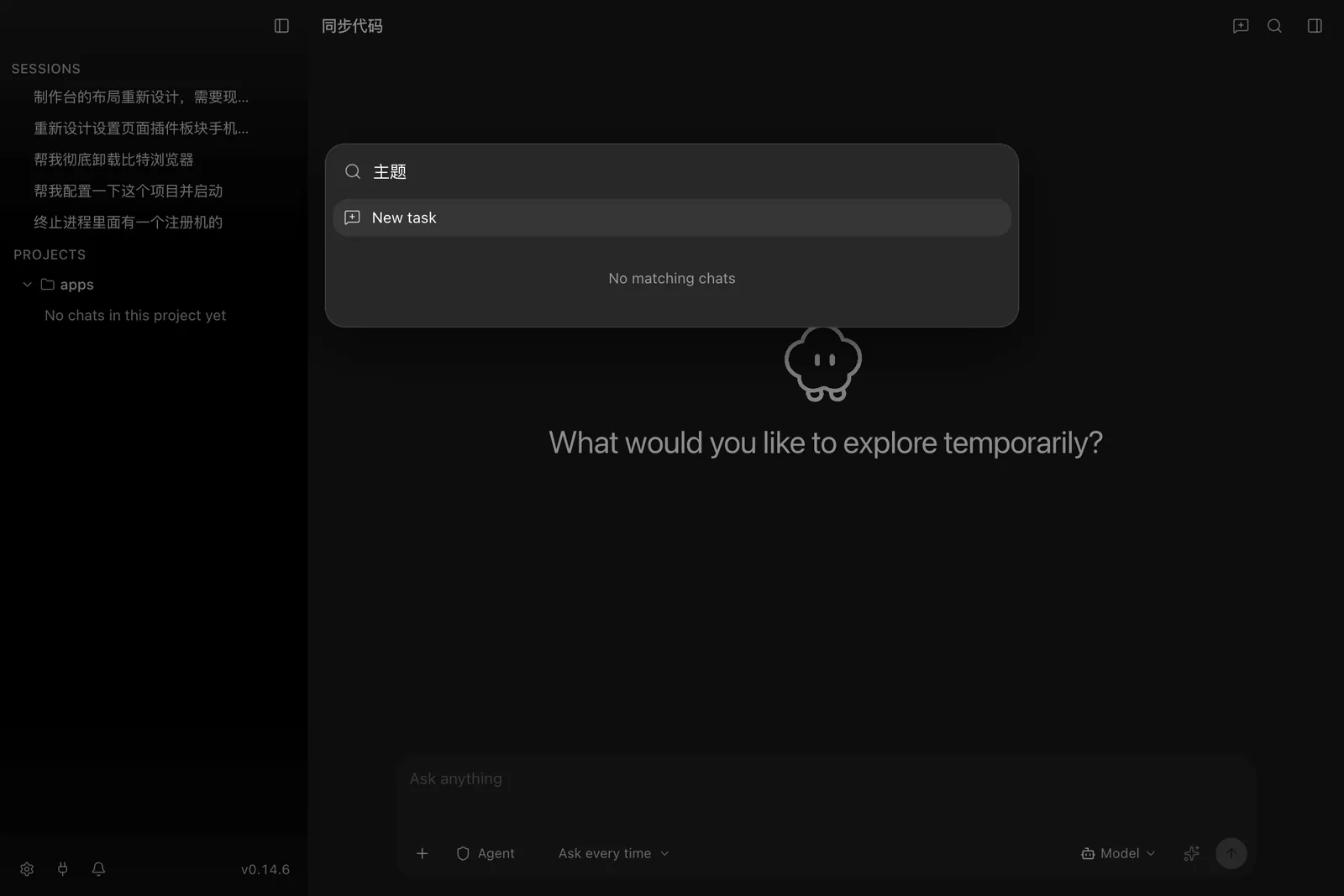
⌘K opens one dialog over sessions, pages, settings rows, and commands. Choosing a settings hit navigates to the tab and flashes the row.
Plugins
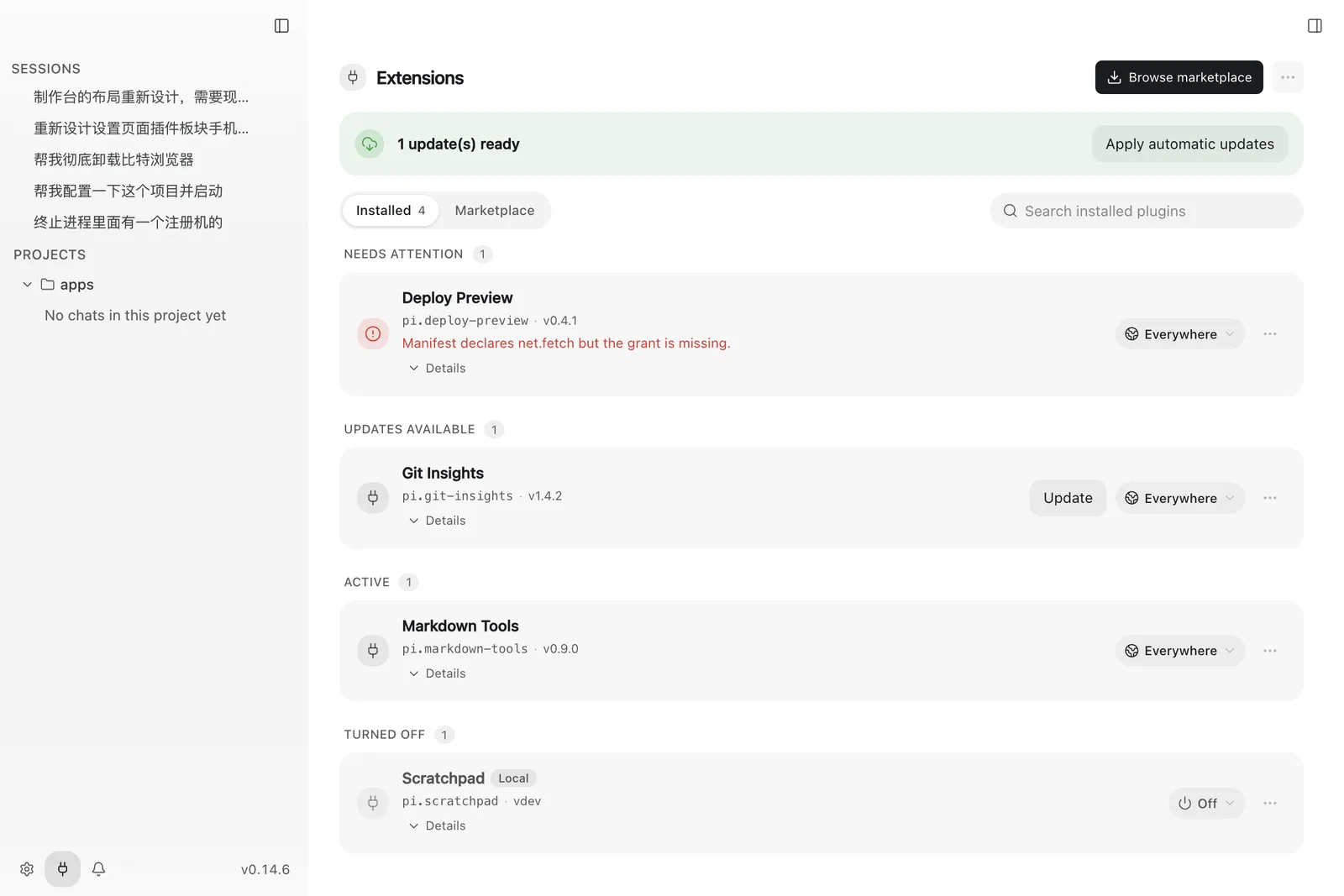
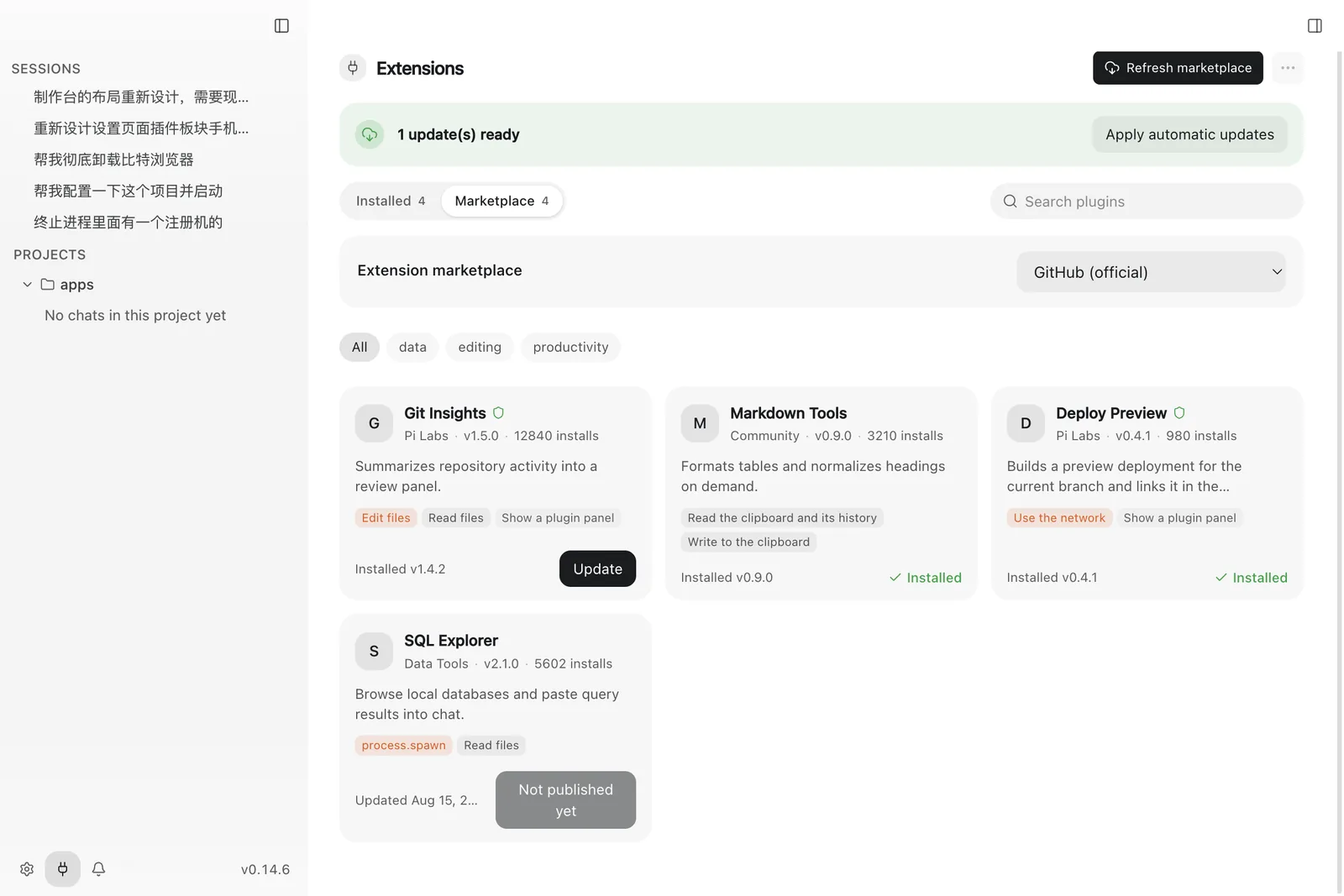
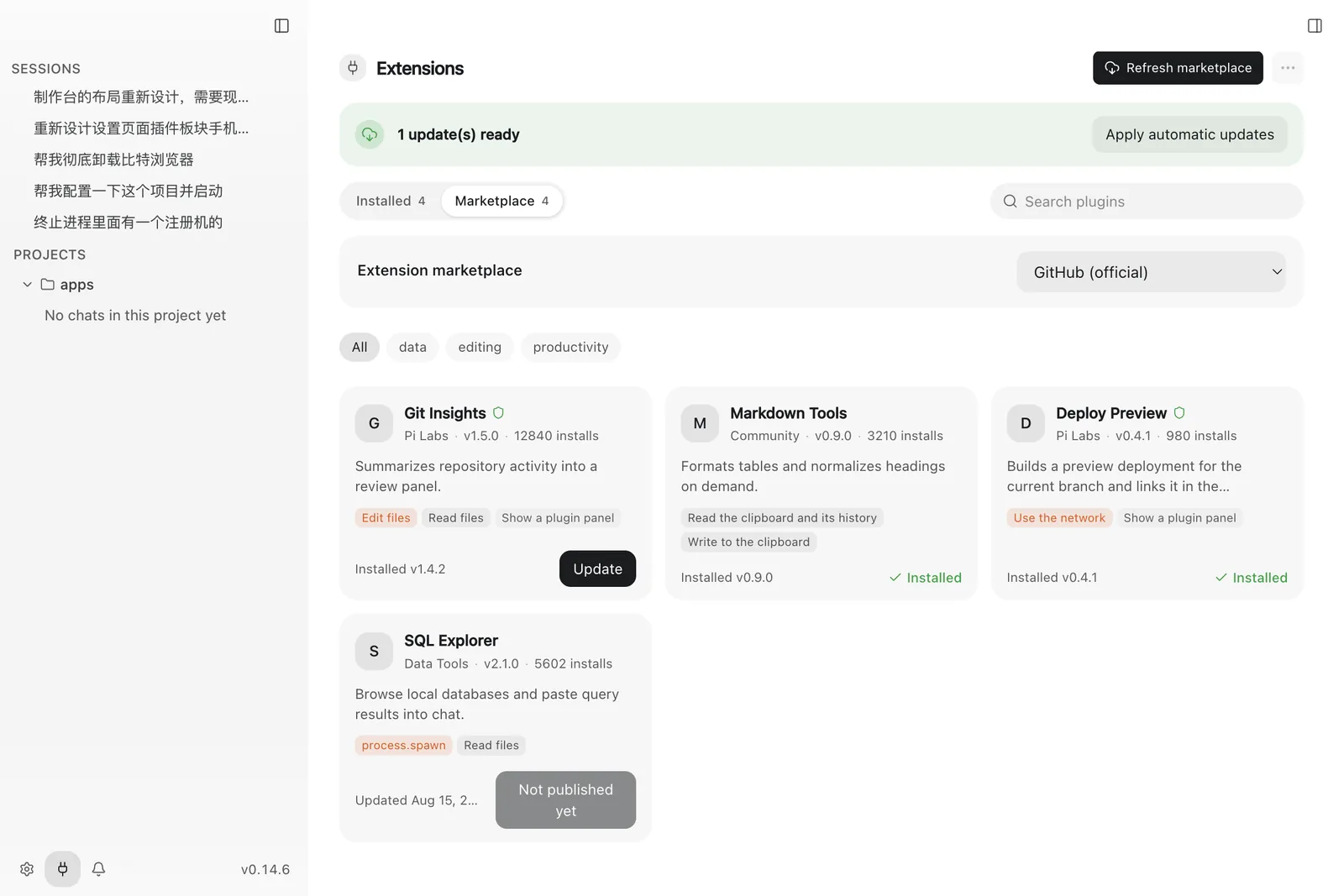
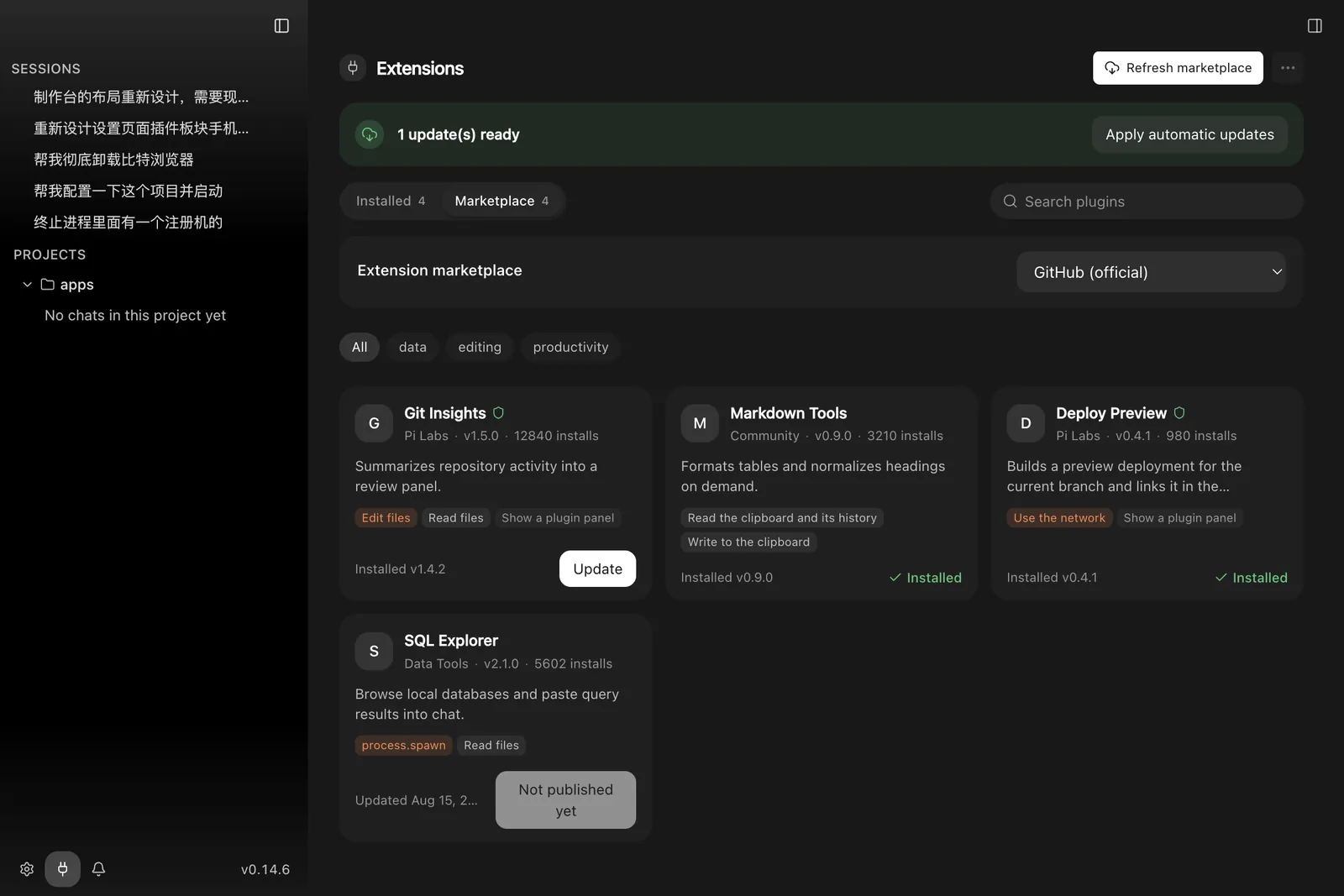
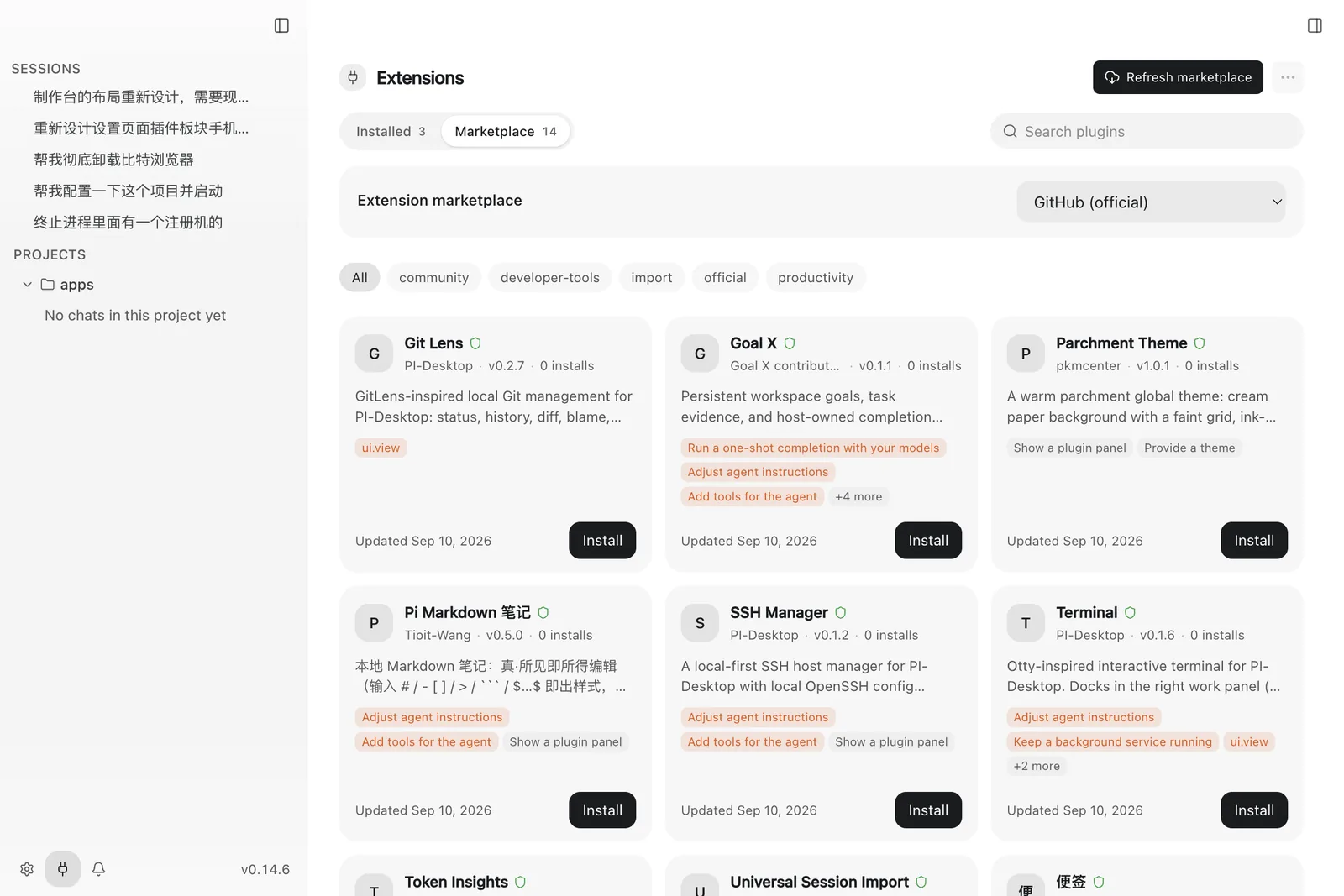
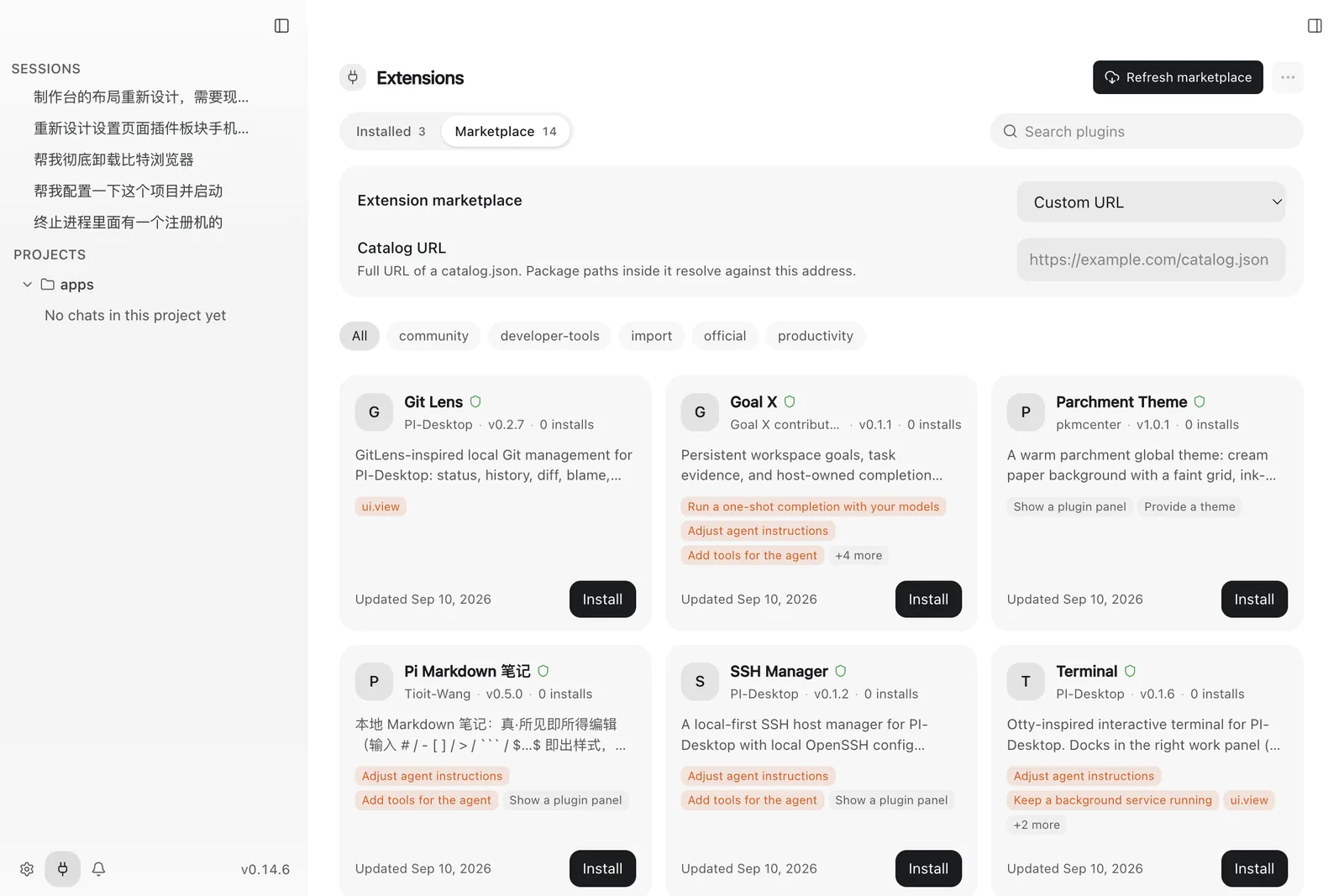
Installed plugins, the marketplace, and the package workflow live on the plugins destination.
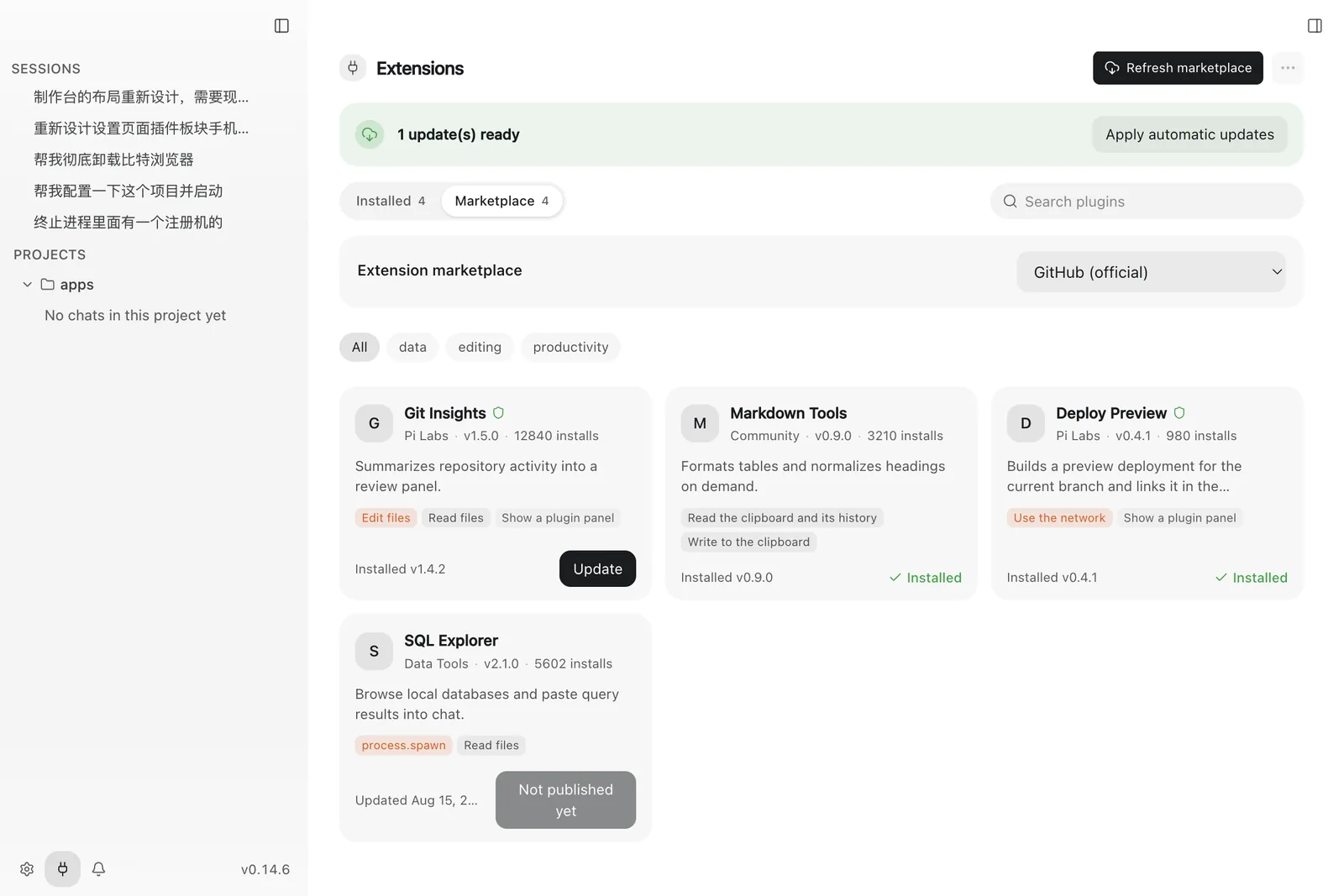
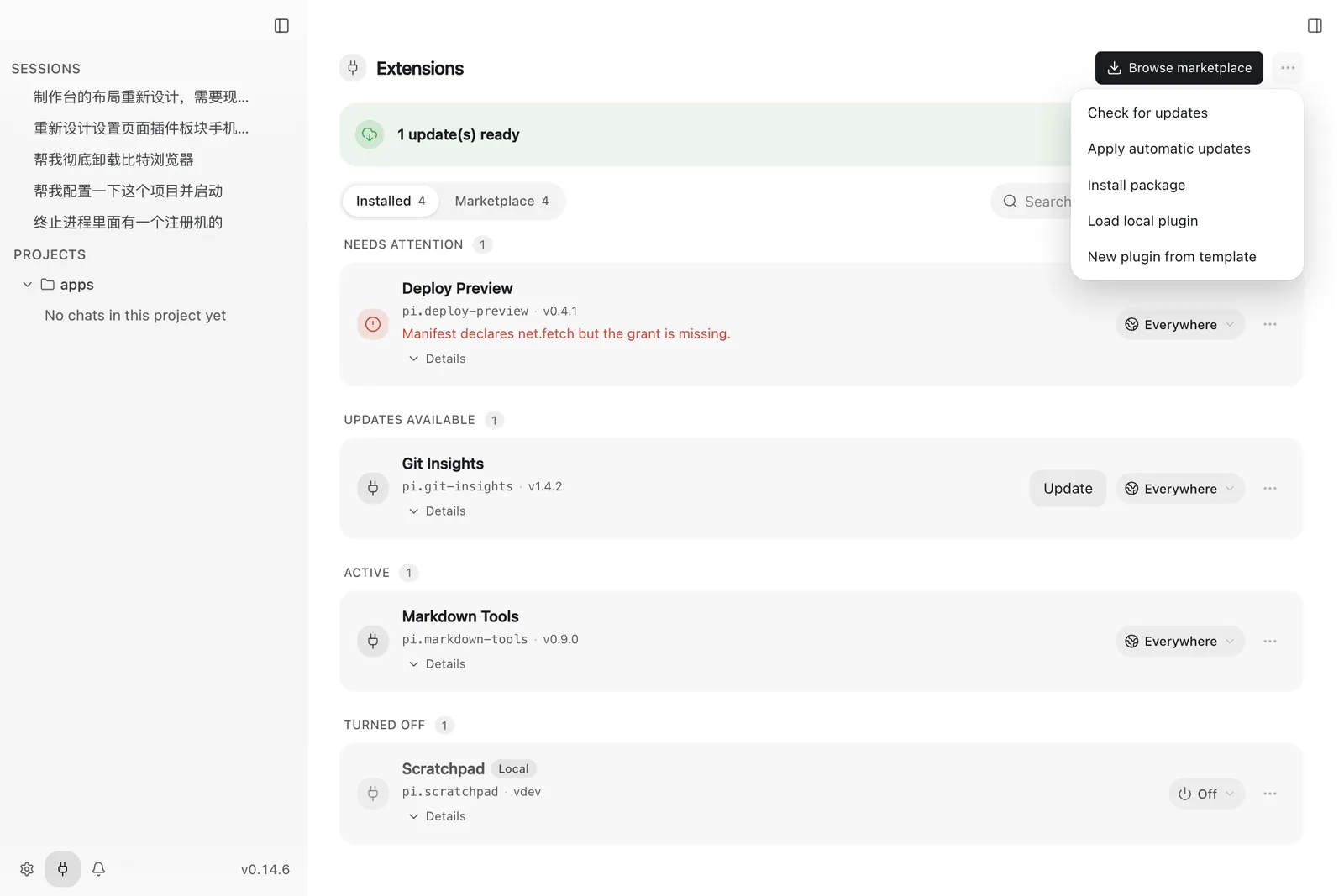
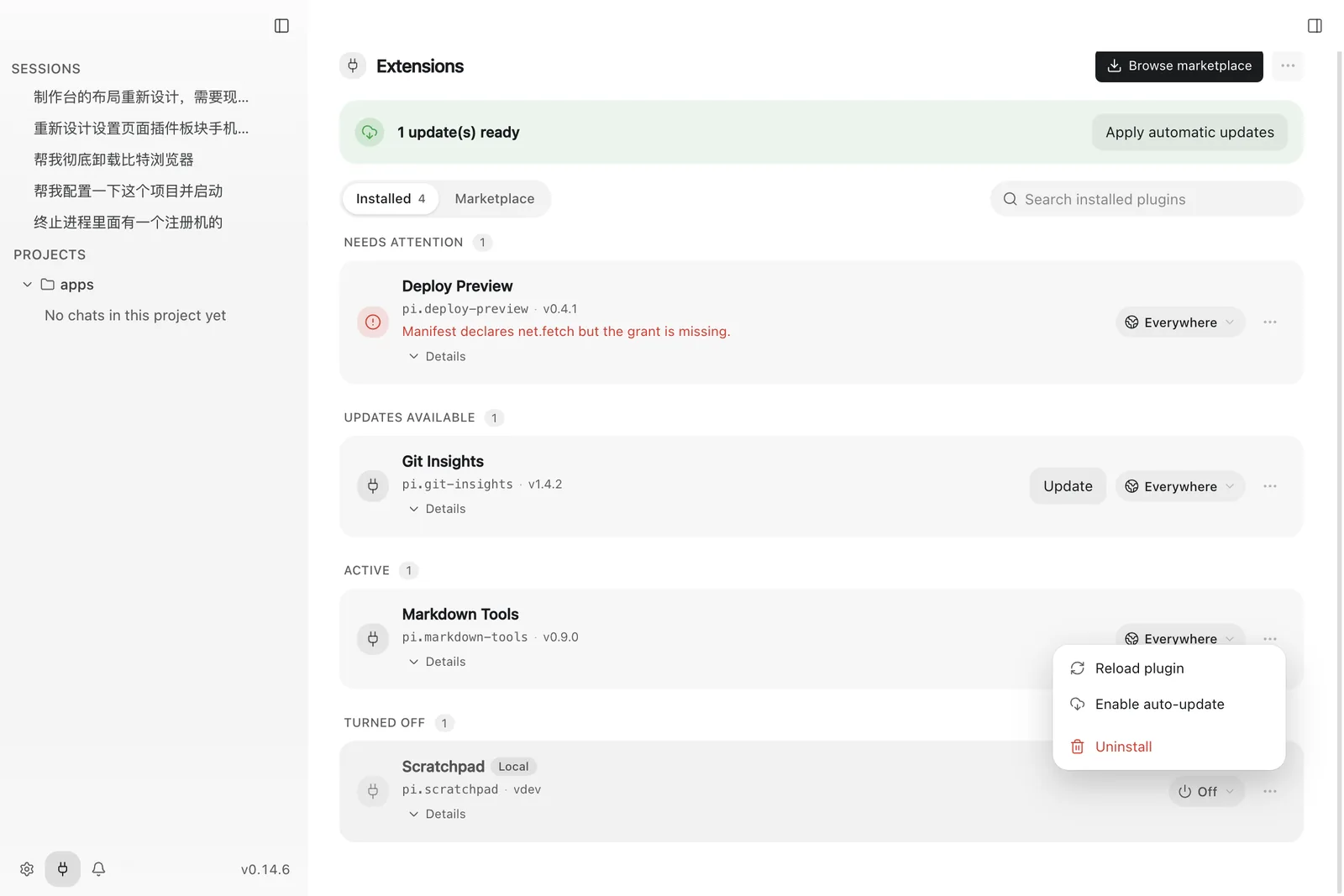
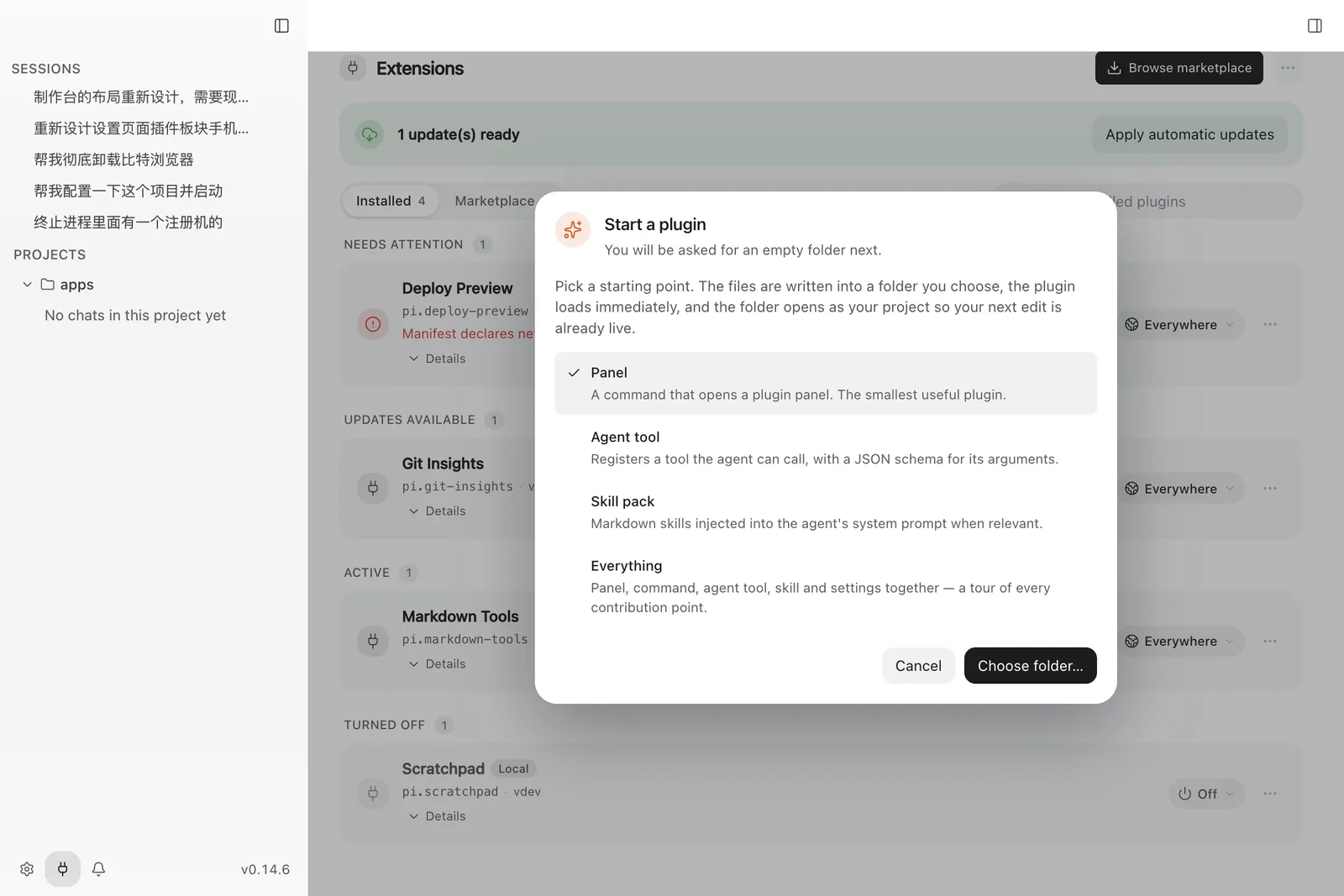
Extensions
MCP servers, Skills, and Subagents are managed independently of plugins, each with global or project-scoped activation.
Settings
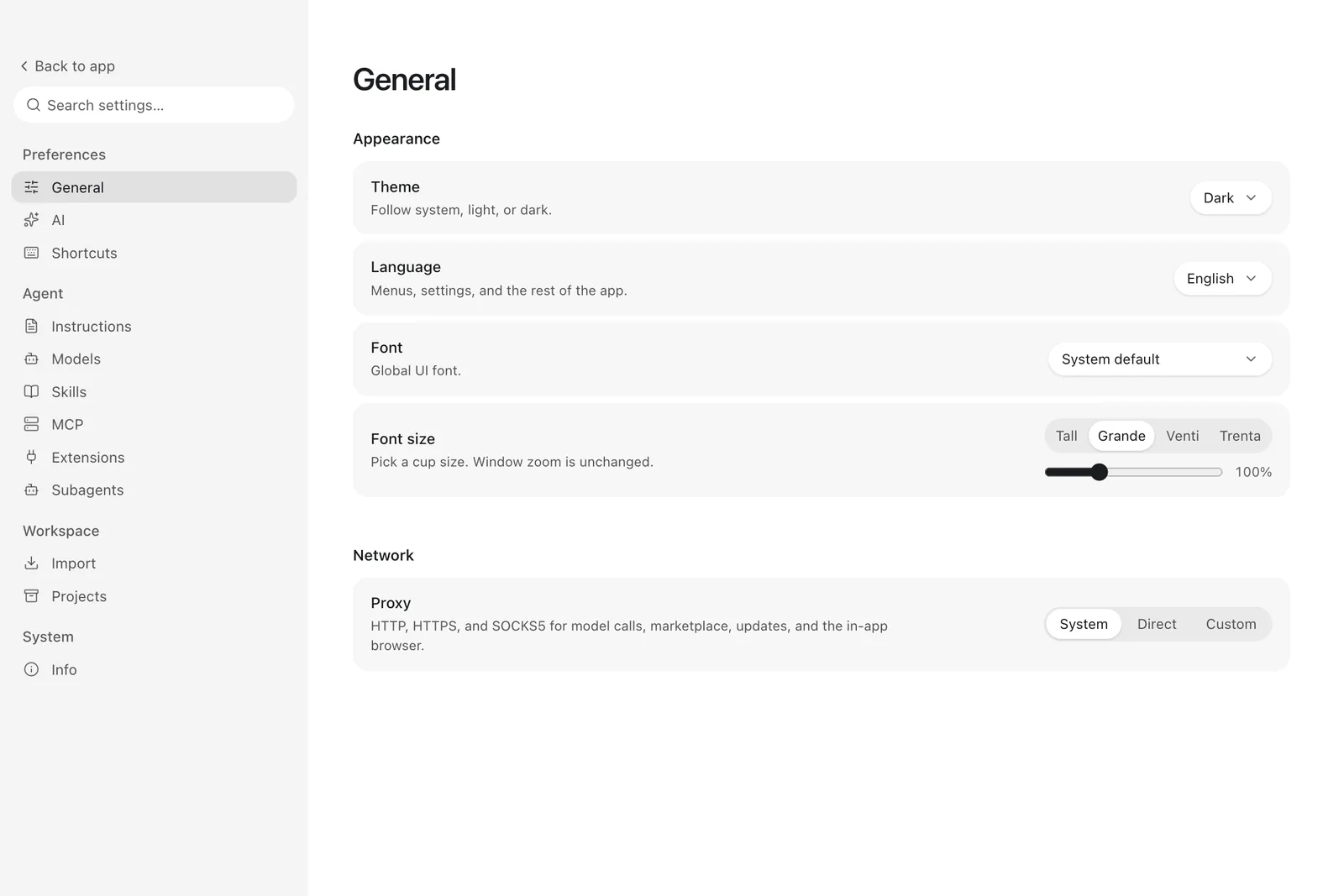
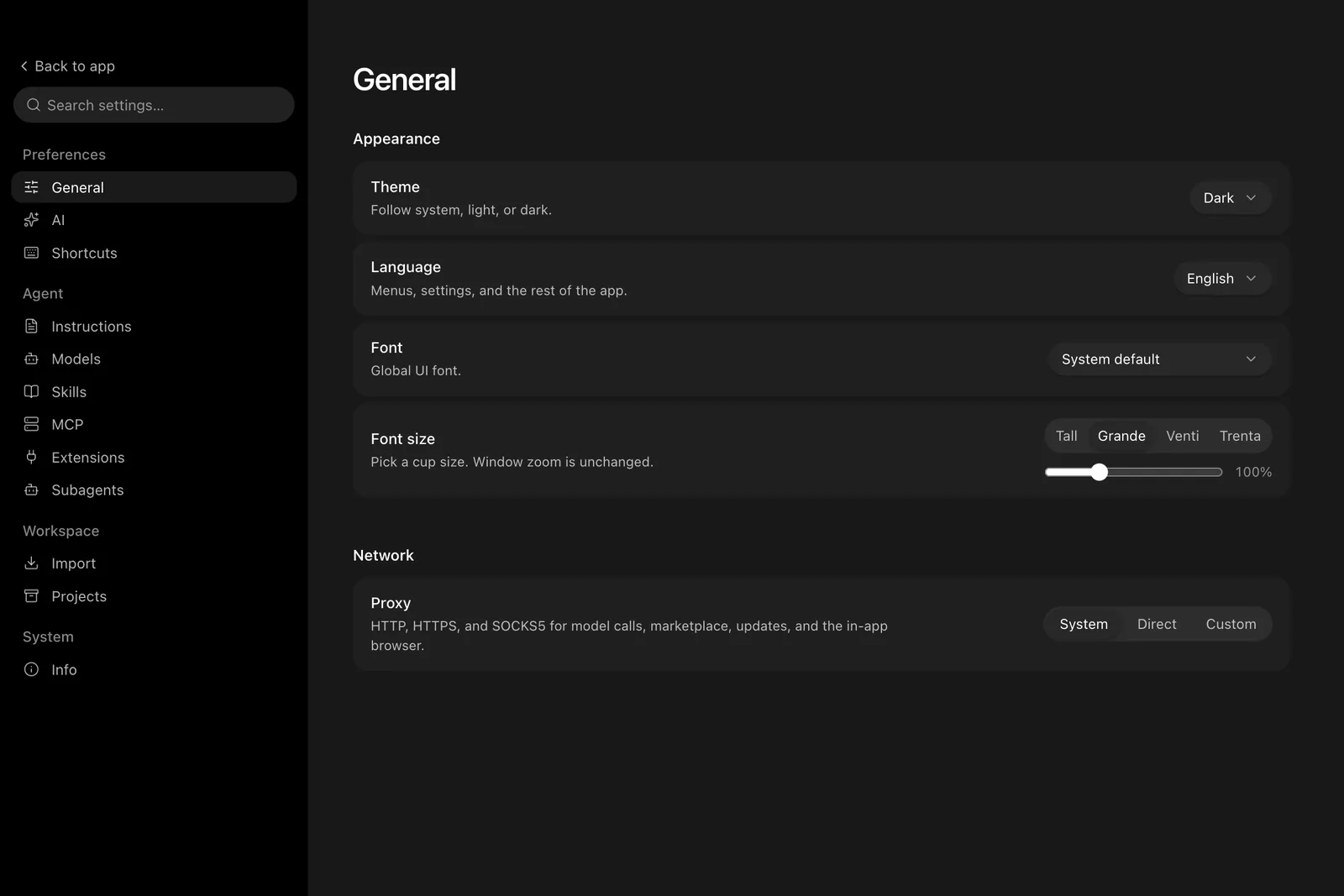
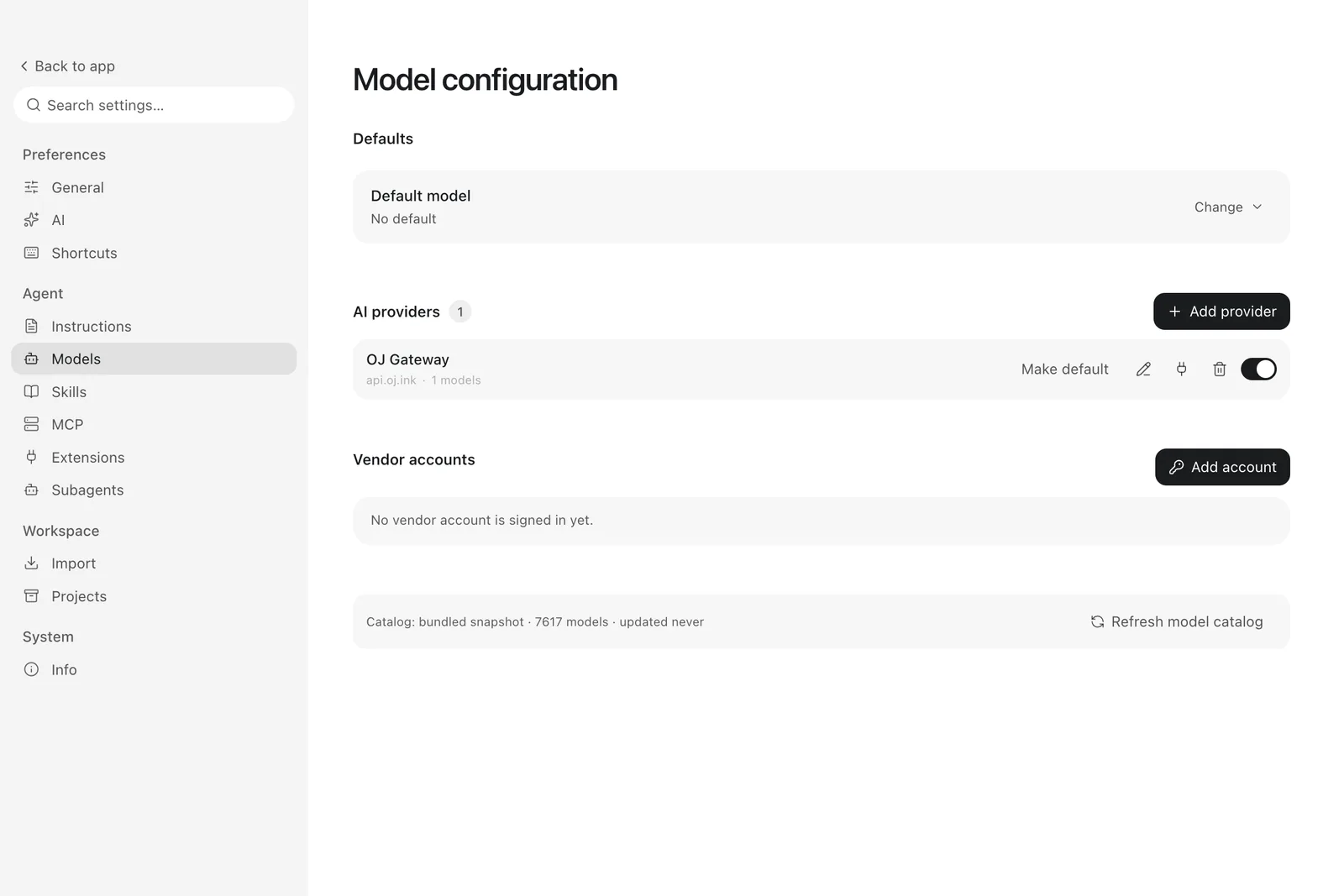
Settings is a full-page destination with a searchable tab rail.
Regenerating these frames
Build the renderer, make sure target/debug/pi-desktop-host-core exists, create /tmp/codex-screens, then run the app once per locale and publish each pass:
pnpm --filter @pi-desktop/desktop build
mkdir -p /tmp/codex-screens

# English pass; append --lang=zh-CN for the Chinese pass.
cd apps/desktop && PI_DESKTOP_CAPTURE=1 PI_DESKTOP_DATA_DIR=$(mktemp -d) \
  ELECTRON_RENDERER_URL= ./node_modules/.bin/electron .

python3 scripts/publish-screenshots.py --source /tmp/codex-screens --locale enThe rig prints CAPTURE_DONE when the last scene is written.